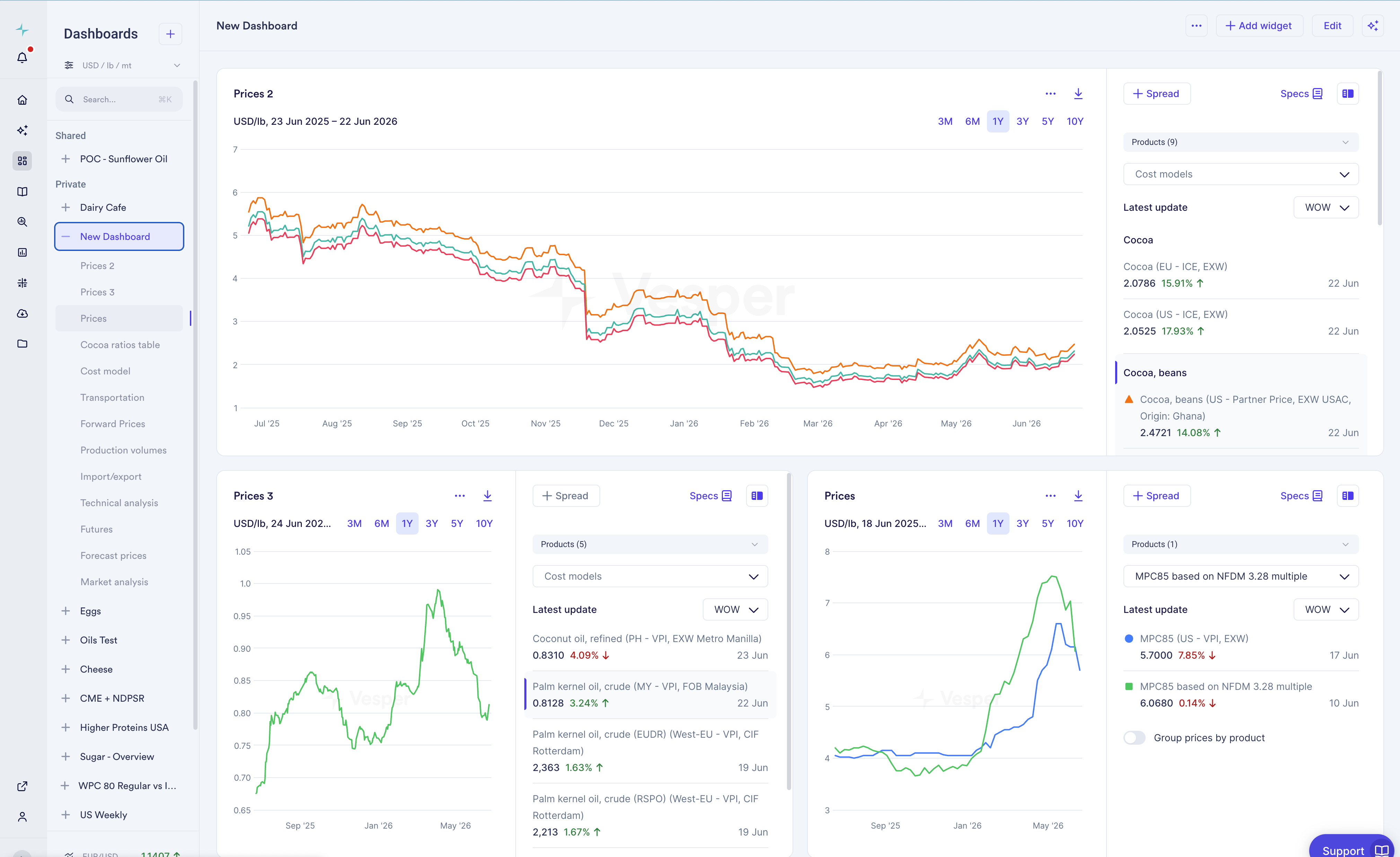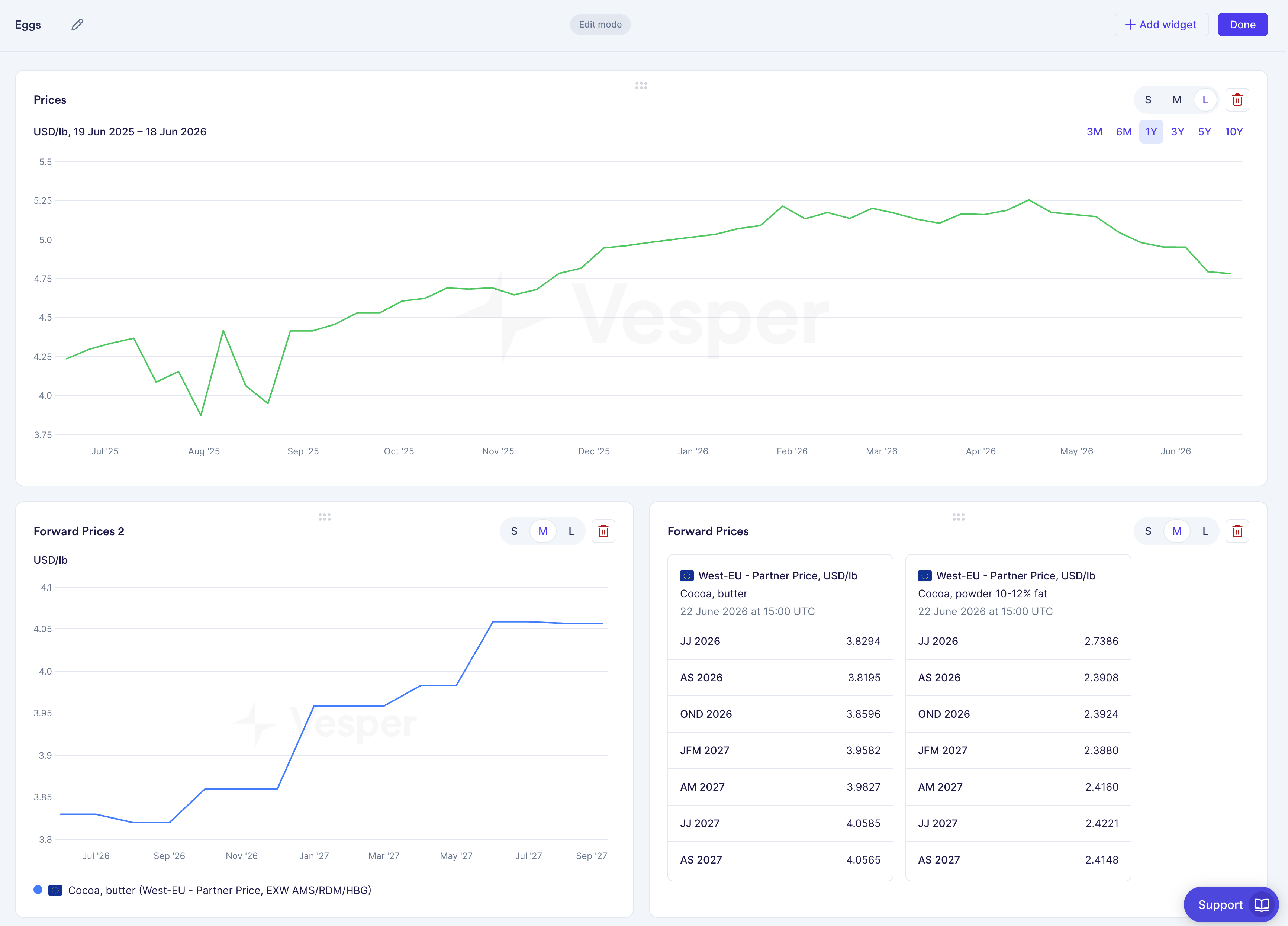

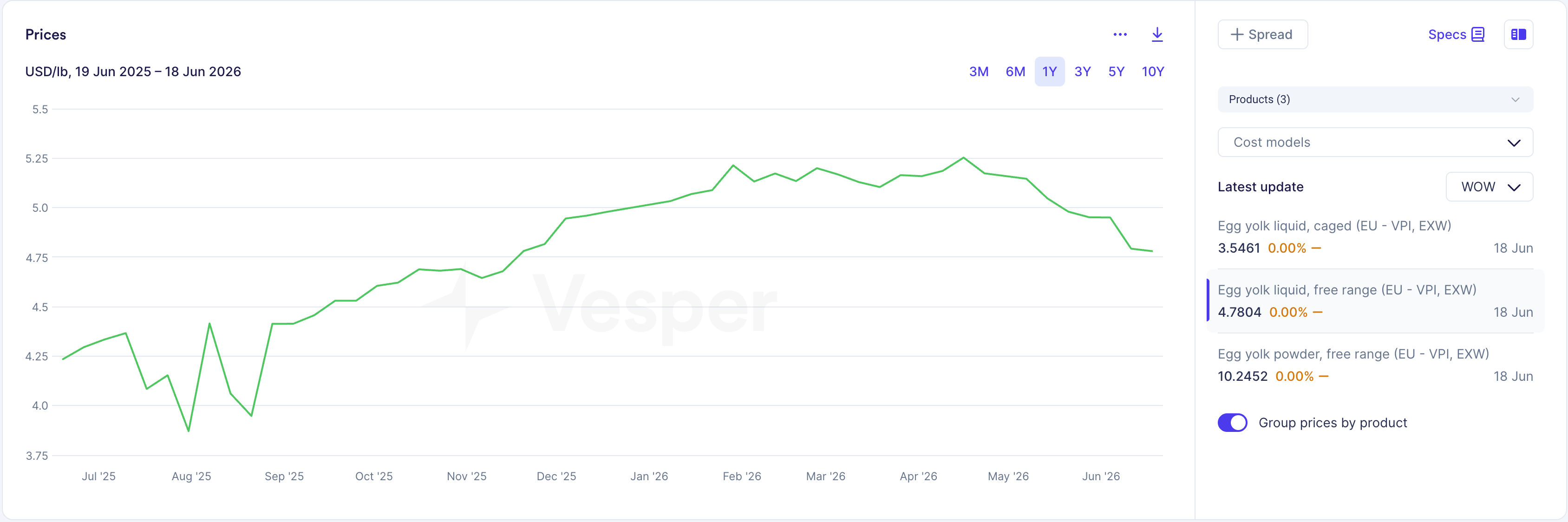
We combined prices and price comparison into a single widget, so you can look at price data across products in more than one way without building a separate widget for each view.
What changed:
- Prices and price comparison are now combined into one widget.
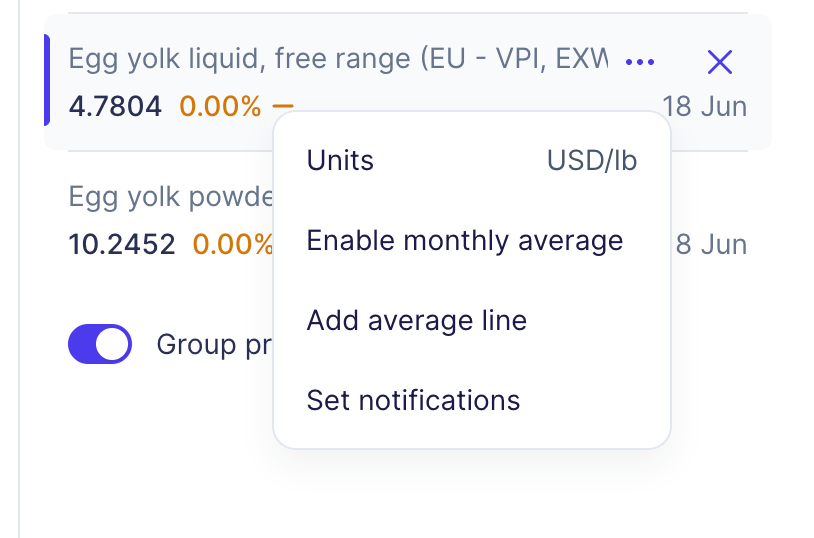
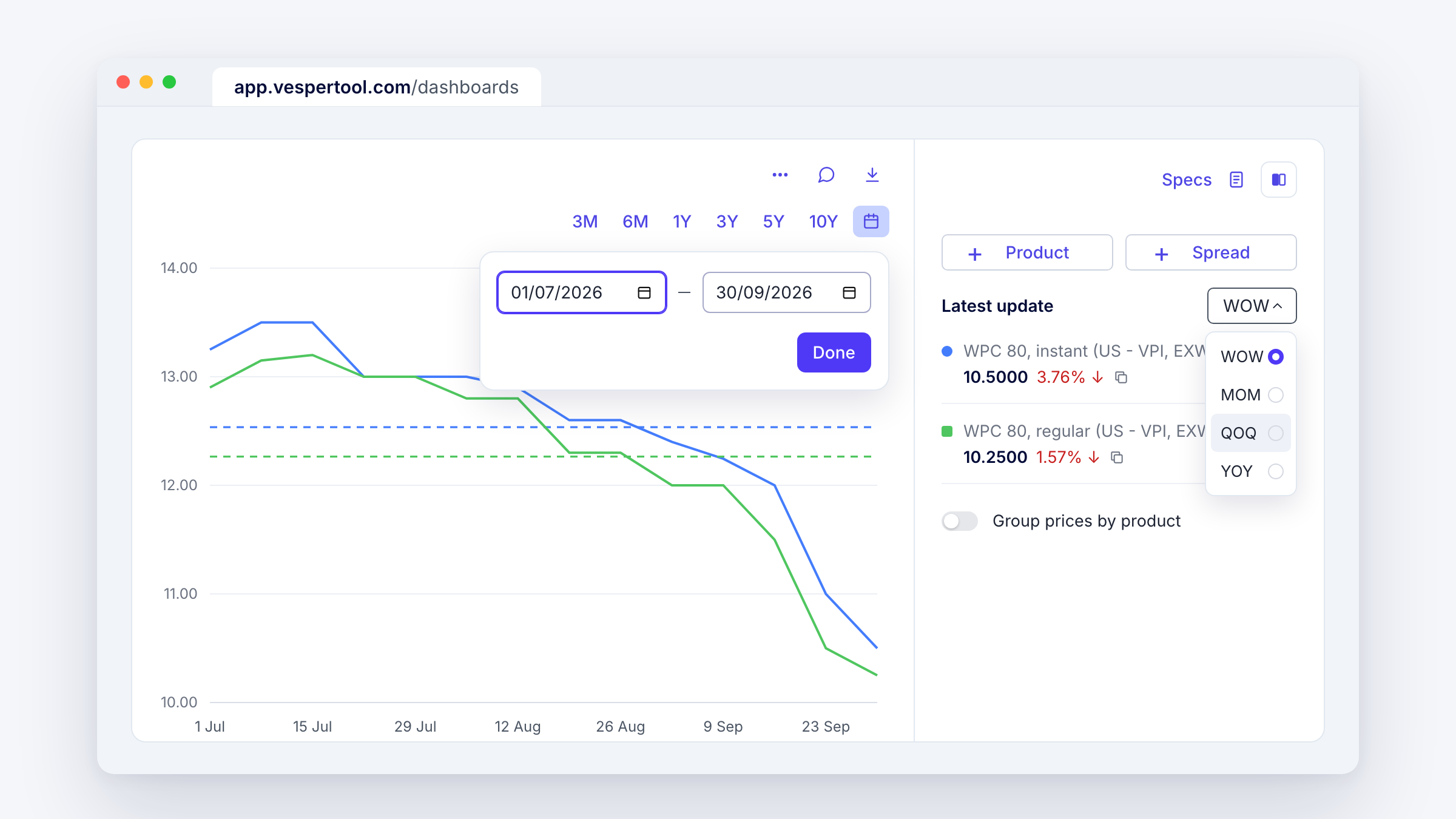
- A new toggle switches between grouped (current prices) and ungrouped (price comparison) views.
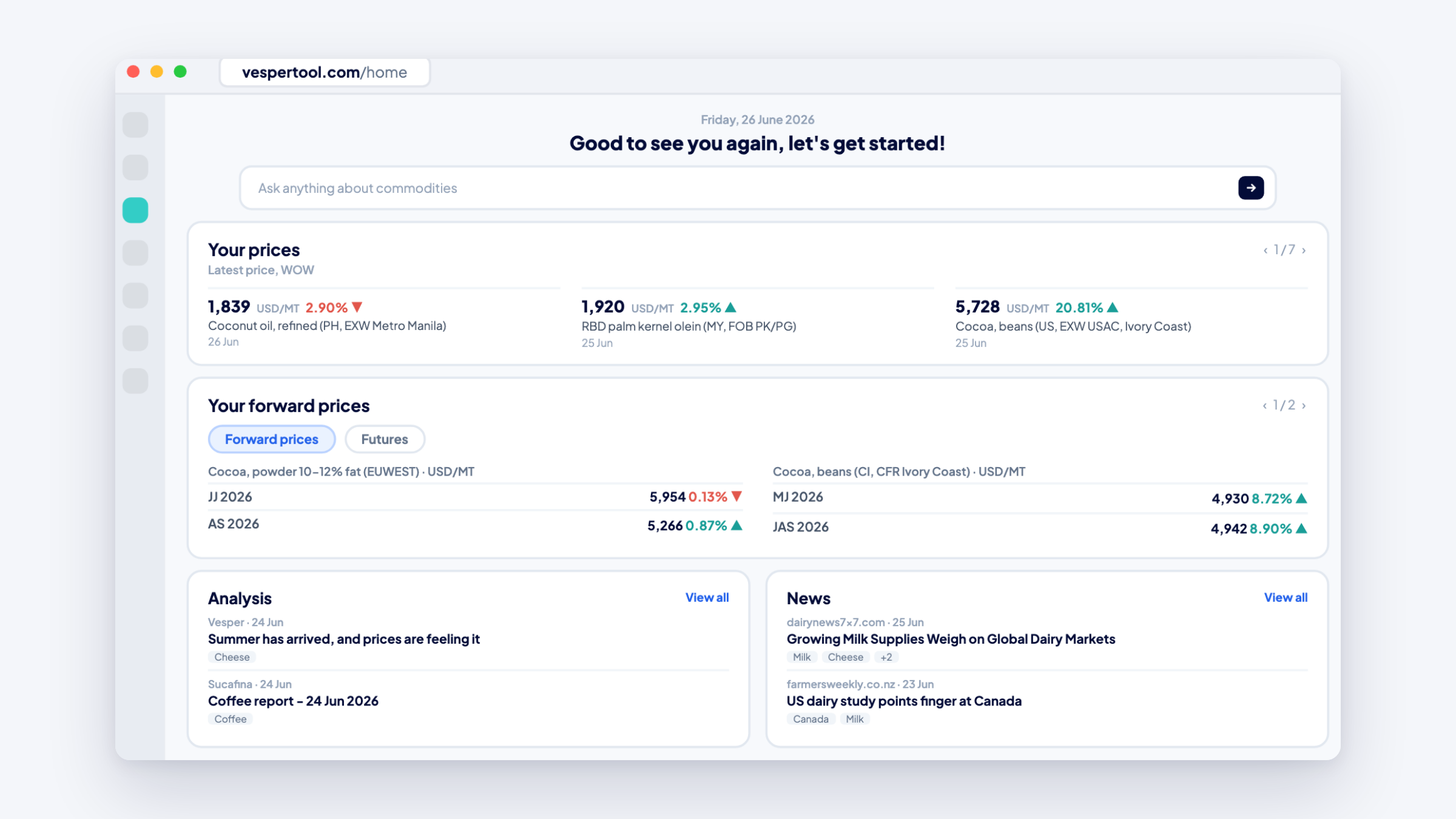
- Forward prices now sit in a single widget, matching the Futures widget structure.
- The interaction pattern is consistent across all price chart types.
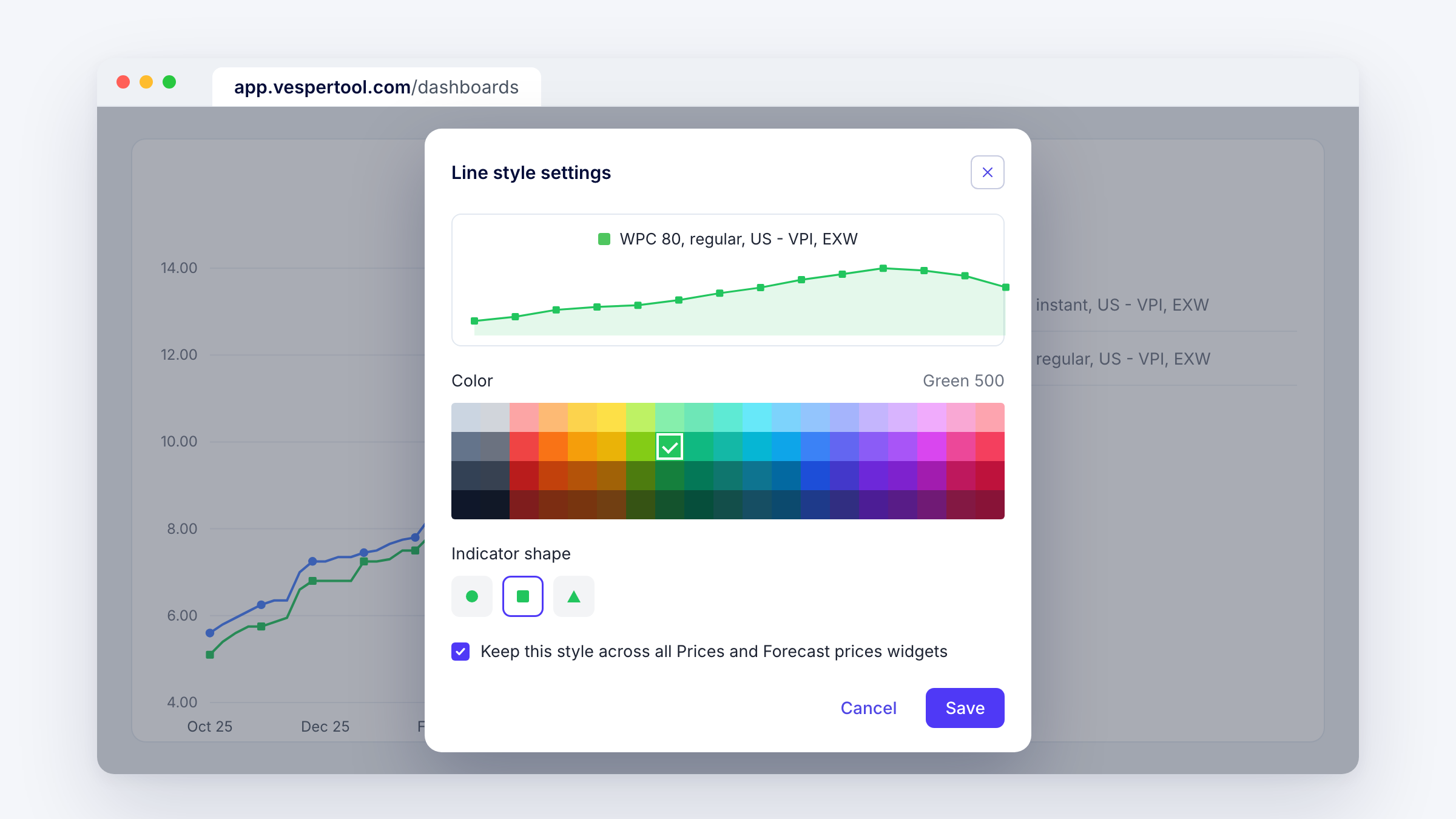
- Lines are colour-coded and also carry a dedicated icon.
Why this matters: The old split between prices and price comparison created friction. To see the same data two ways, you had to add multiple widgets. Now switching between the grouped and comparison views is instant, so it is easier to spot patterns and outliers. The larger legend lets you track more products on one widget without crowding the dashboard.
How to use it:
- In the Prices widget, use the toggle to switch between grouped current prices and the ungrouped comparison view.
- Read the colour and the line icon together when you have several products on one chart.
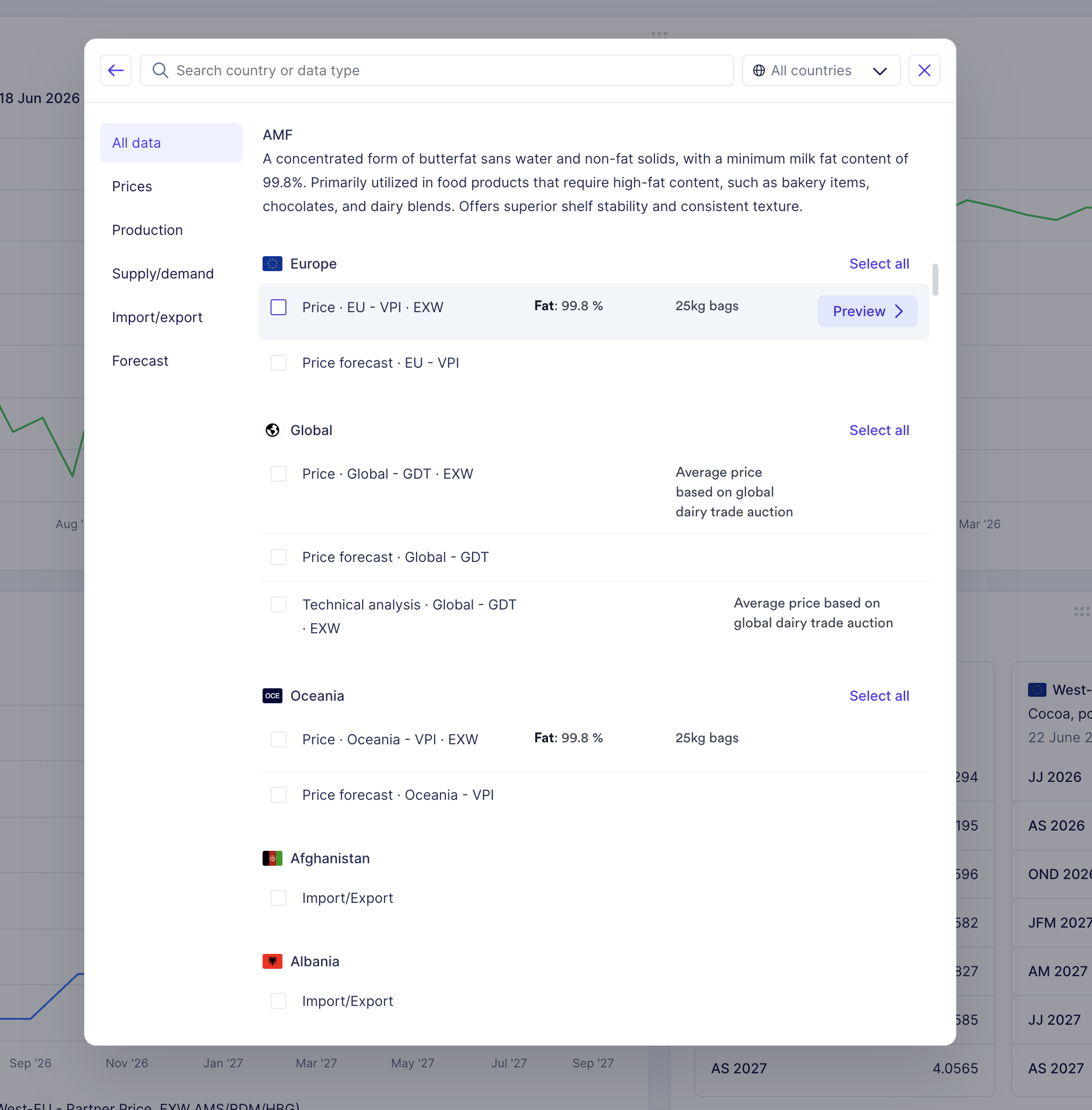
How to access: This is live in the Prices widget for all users. Add it to a new or existing dashboard using the search function, or contact your Customer Success Manager at support@vespertool.com.