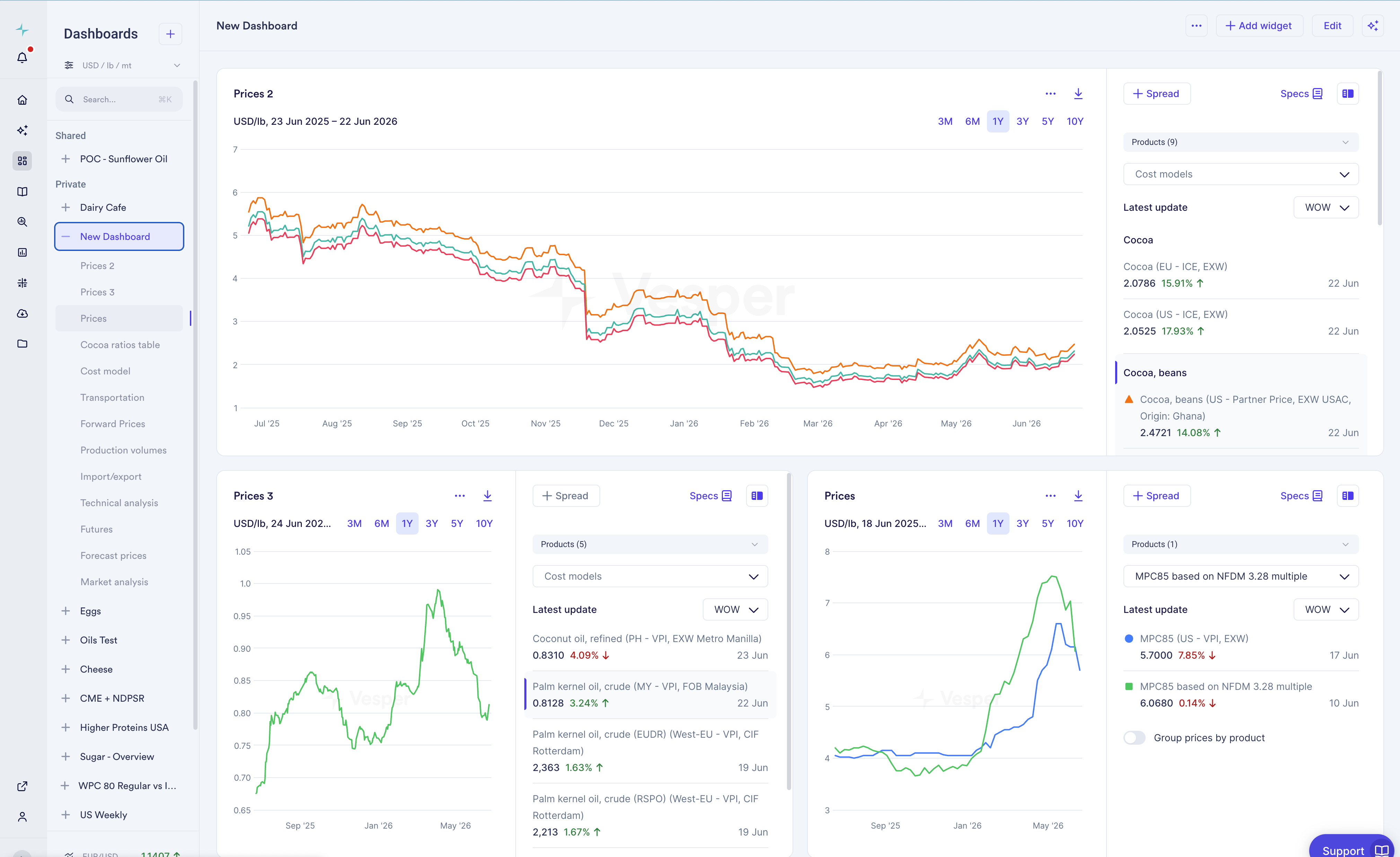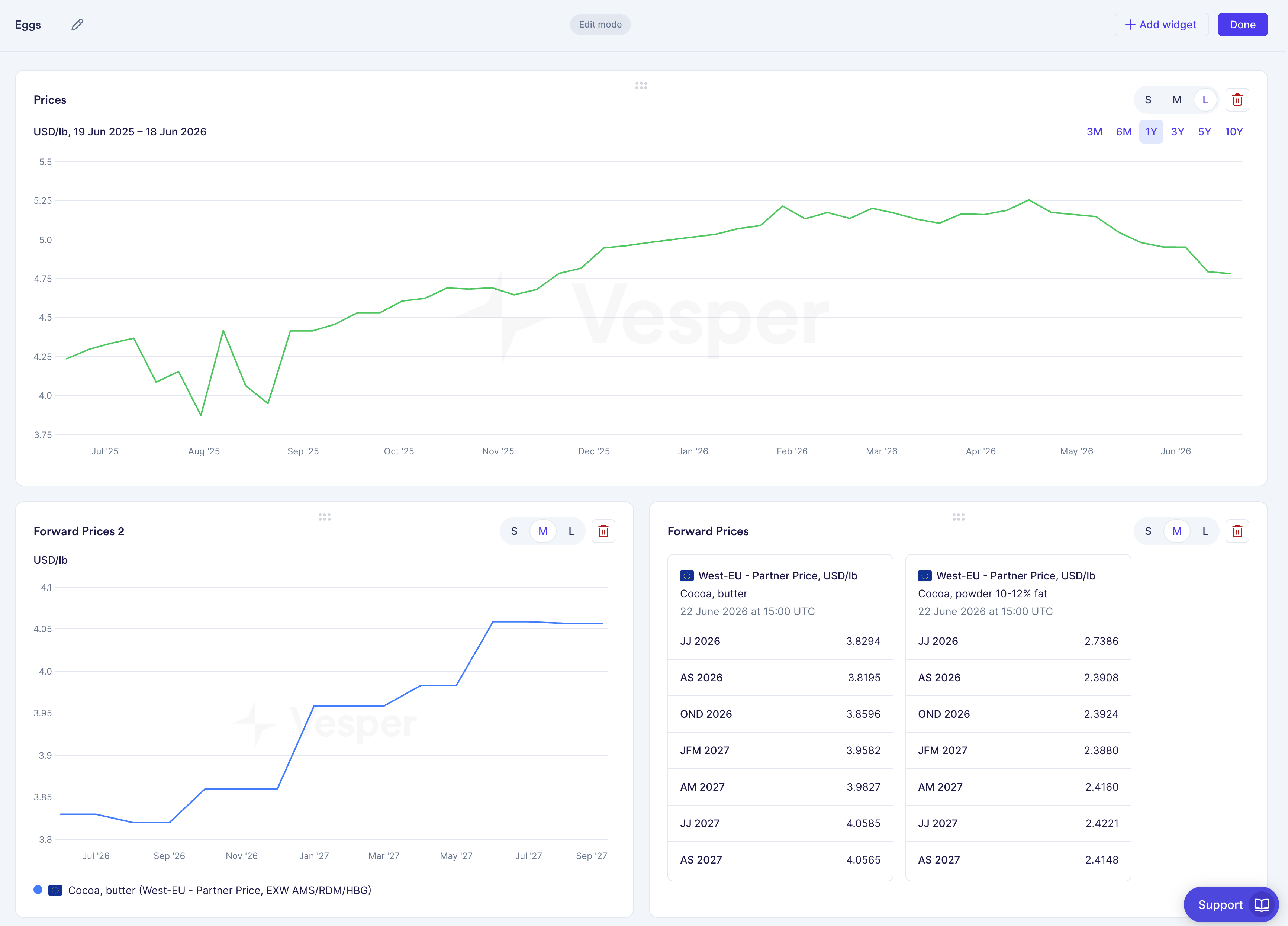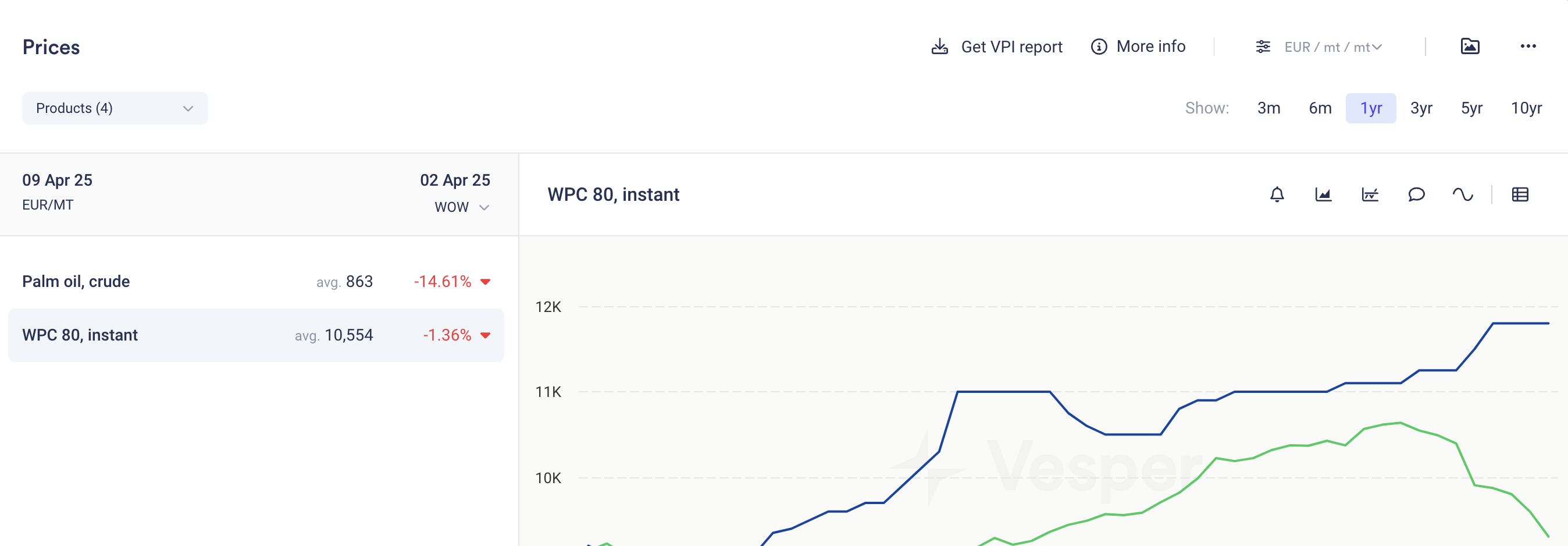

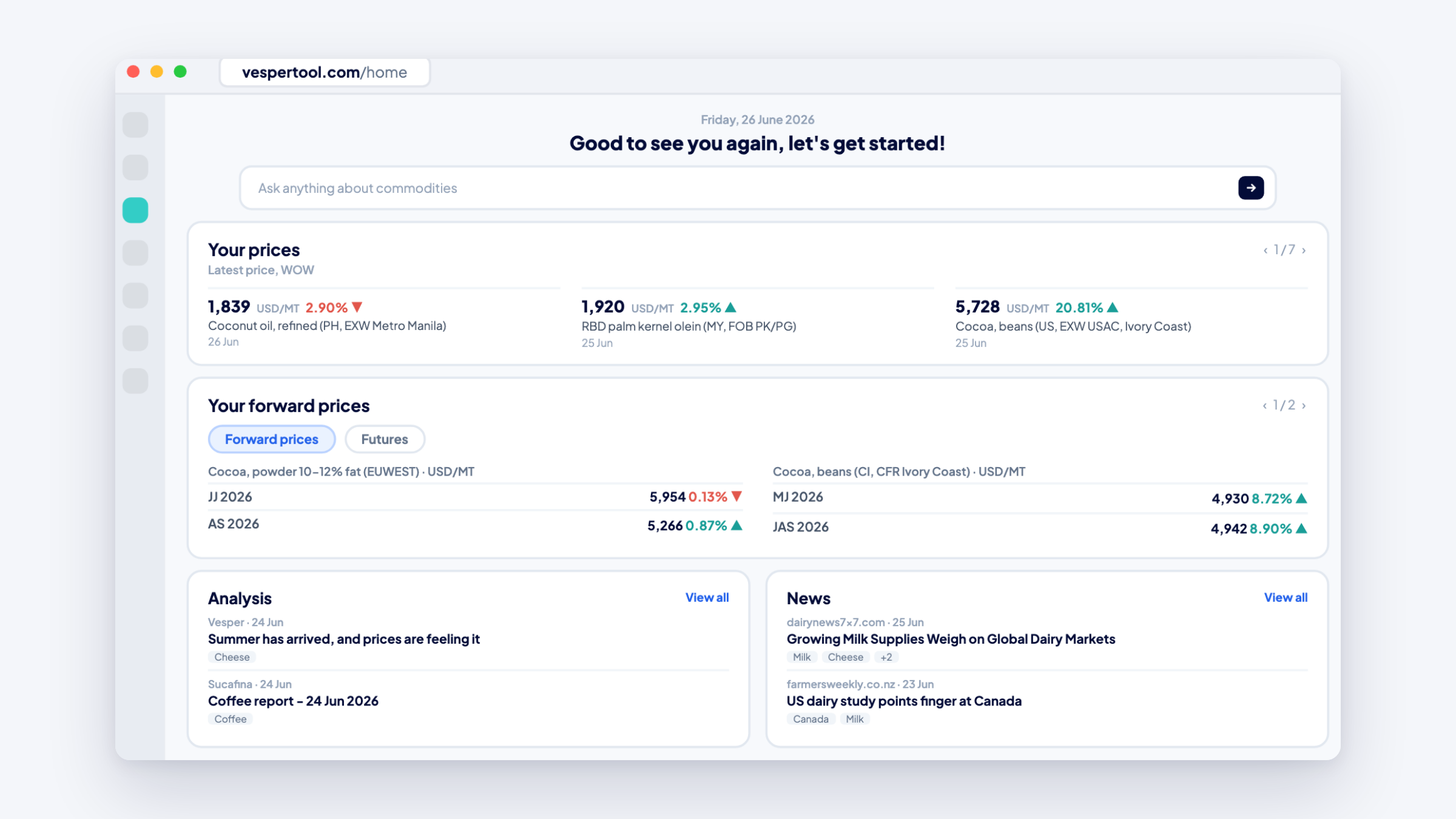
Vesper now opens on the Homefeed, a personalized start page that shows what needs your attention before you open a single dashboard. There is nothing to set up: it builds itself from the products already on your dashboards.
What’s new:
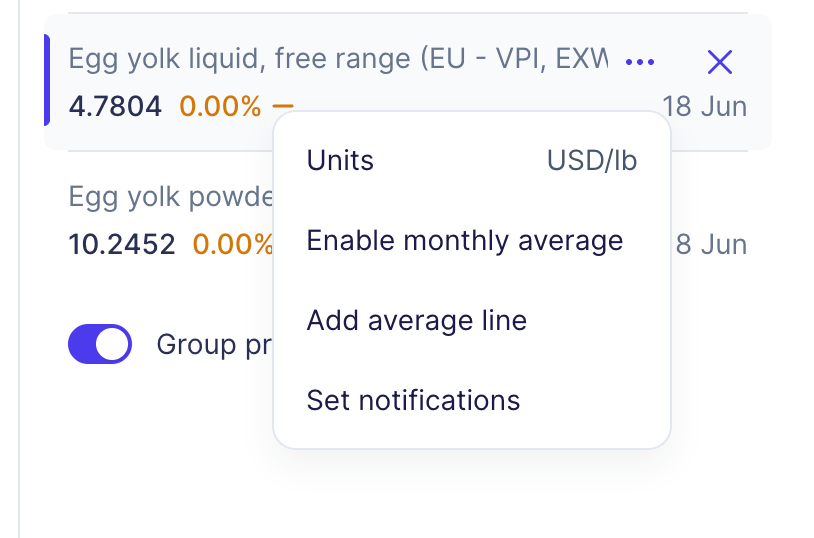
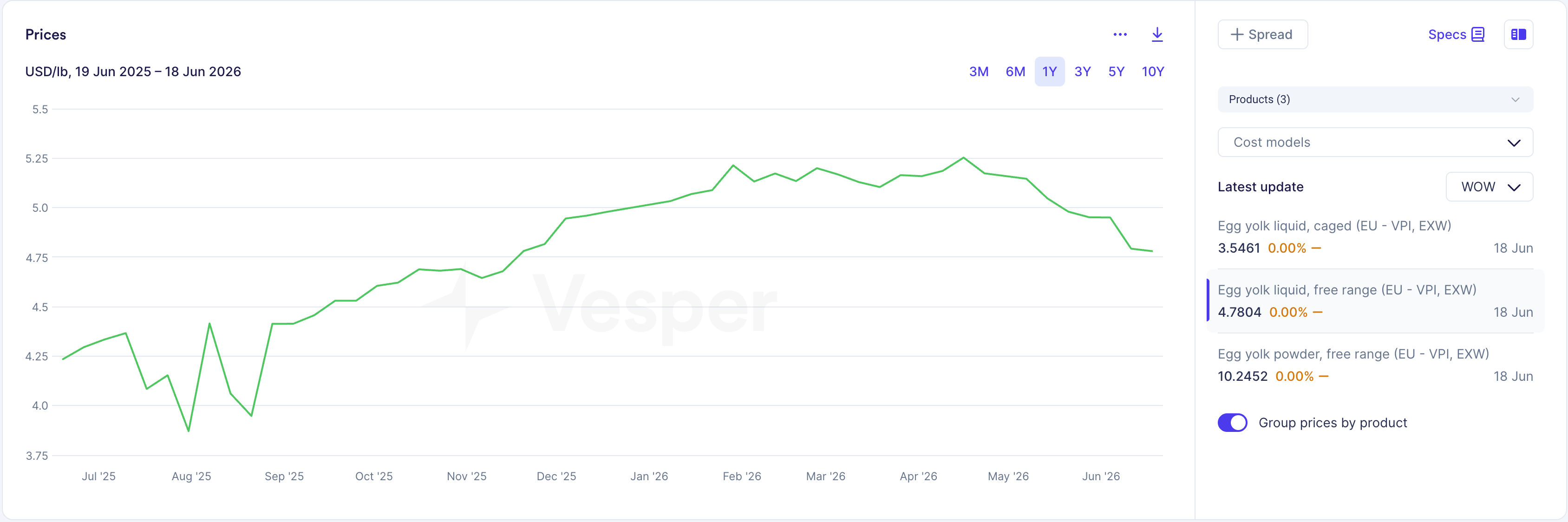
- Week-over-week price moves for every product you track, synced automatically from your dashboard widgets. Use Edit products to adjust the list.
- News and market reports picked for your products, so the story behind a move sits next to the move itself.
- Click a price card for a quick trend preview, then jump straight to the dashboard behind it.
- On Pro, a Commodity Copilot search bar sits at the top, so you can ask a market question right from the start page.
Why this matters: You don’t buy every day, and between purchases it is easy to lose sight of the market. The Homefeed gives you a five-minute morning routine: scan which of your products moved this week, read why, and decide which dashboard deserves a closer look. You start the day knowing what changed instead of going looking for it.
How to access: Homefeed is live for all tiers in the web app. Sign in and you land on it. Questions? Contact your Customer Success Manager at support@vespertool.com.