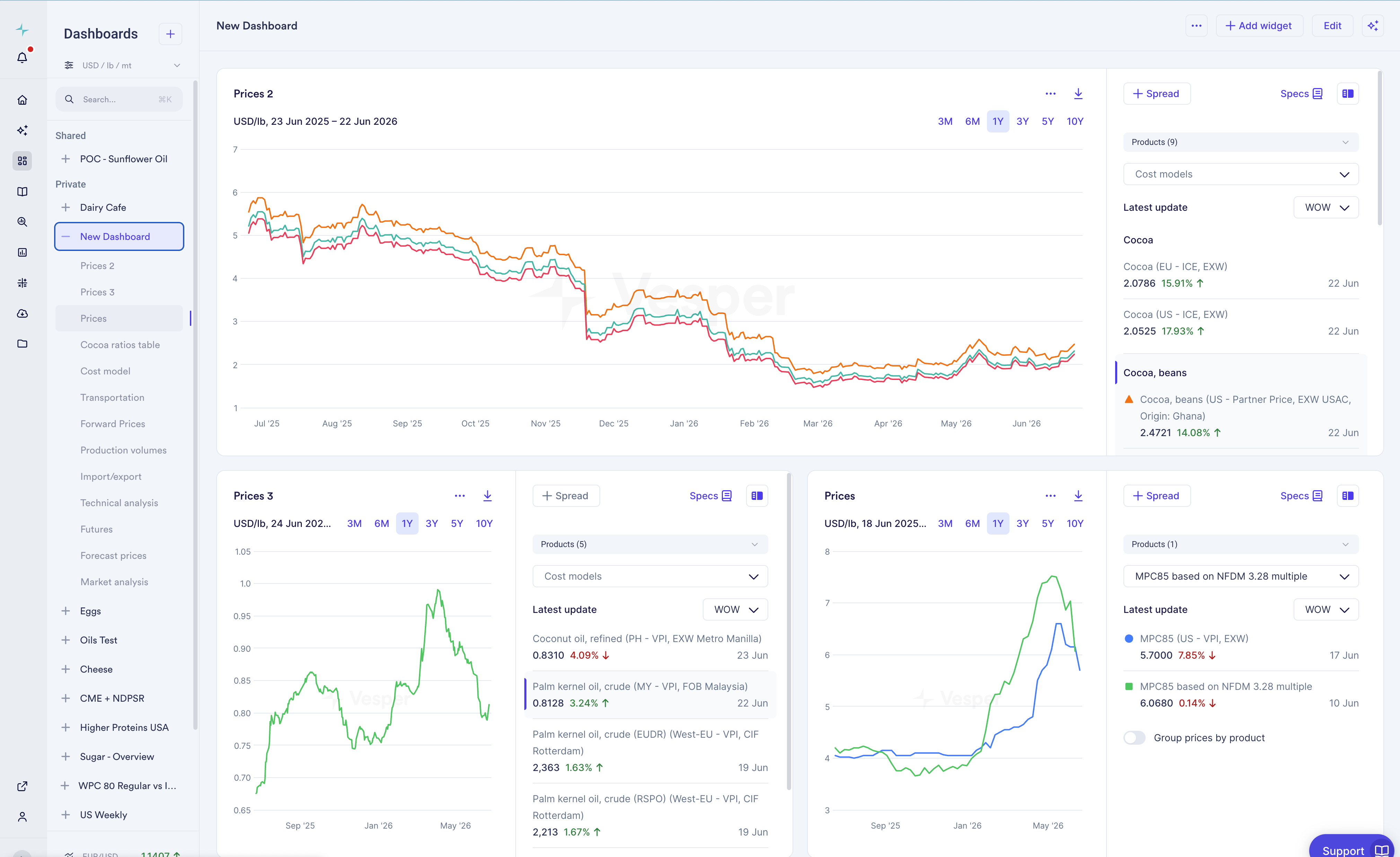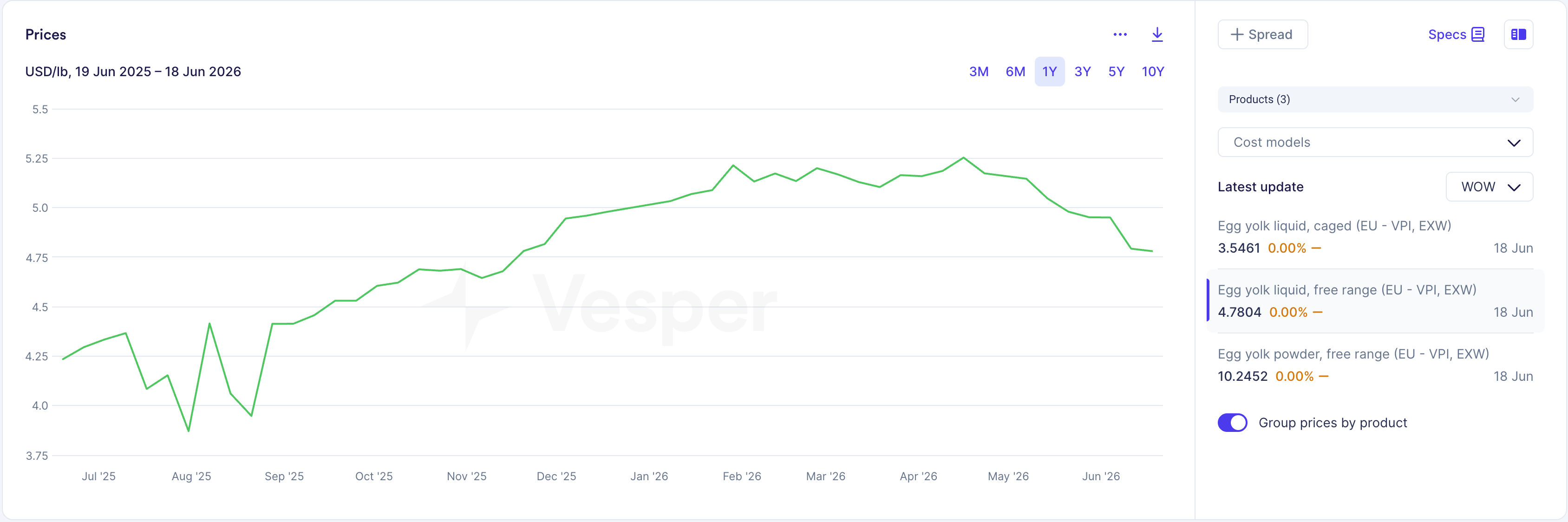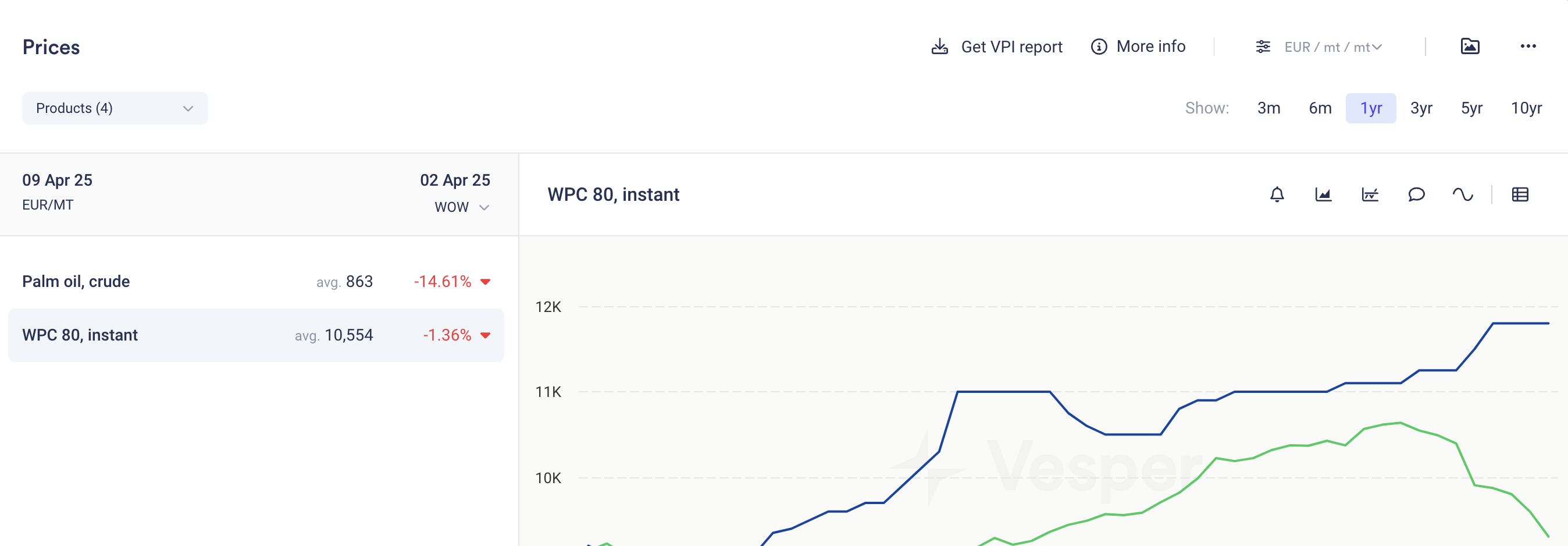

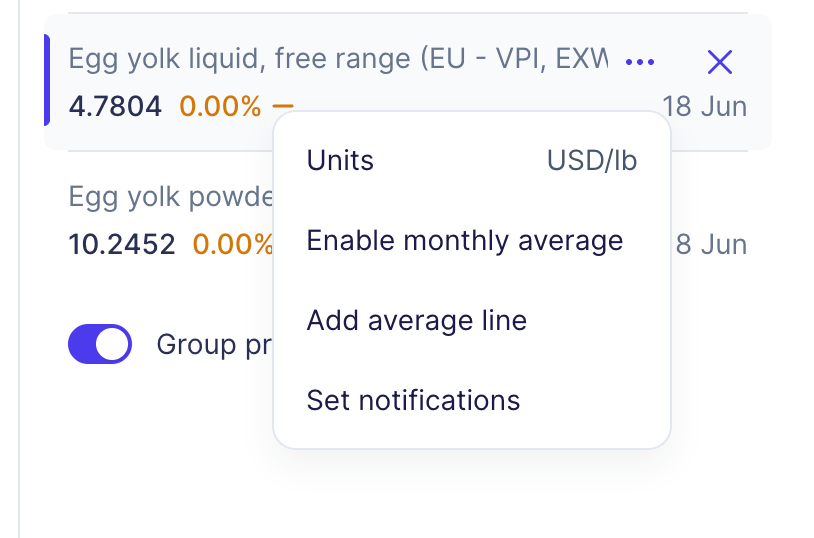
You can now set currency, weight, and volume units per product directly in the Prices widget, through the three-dot menu in the widget configuration panel.
What changed:
- Set units per product from the three-dot menu in the widget configuration panel.
- “Apply to all” is still there for one-click, widget-wide settings.
- Dashboard currency and unit settings stay the default for everything you select and save from Search, and are still used by Copilot.
- Per-product settings are not overridden when you update Dashboard settings.
- Currency now always shows in the legend and the graph title, and in the side panel when products use different currencies.
Why this matters: The US market works in bushels and other product-specific unit conventions, so one global unit setting does not cover it. Setting units per product lets you keep each series in the convention you actually buy in, all on the same chart. It is also a building block for our US expansion. This is most relevant if you have US-market commodities on your dashboard.
How to use it:
- Open the three-dot menu in the Prices widget configuration panel and set currency, weight, and volume for that product.
- Use “Apply to all” when you want one setting across the whole widget.
How to access: This is live in the Prices widget for all users. Contact your Customer Success Manager at support@vespertool.com with any questions.