
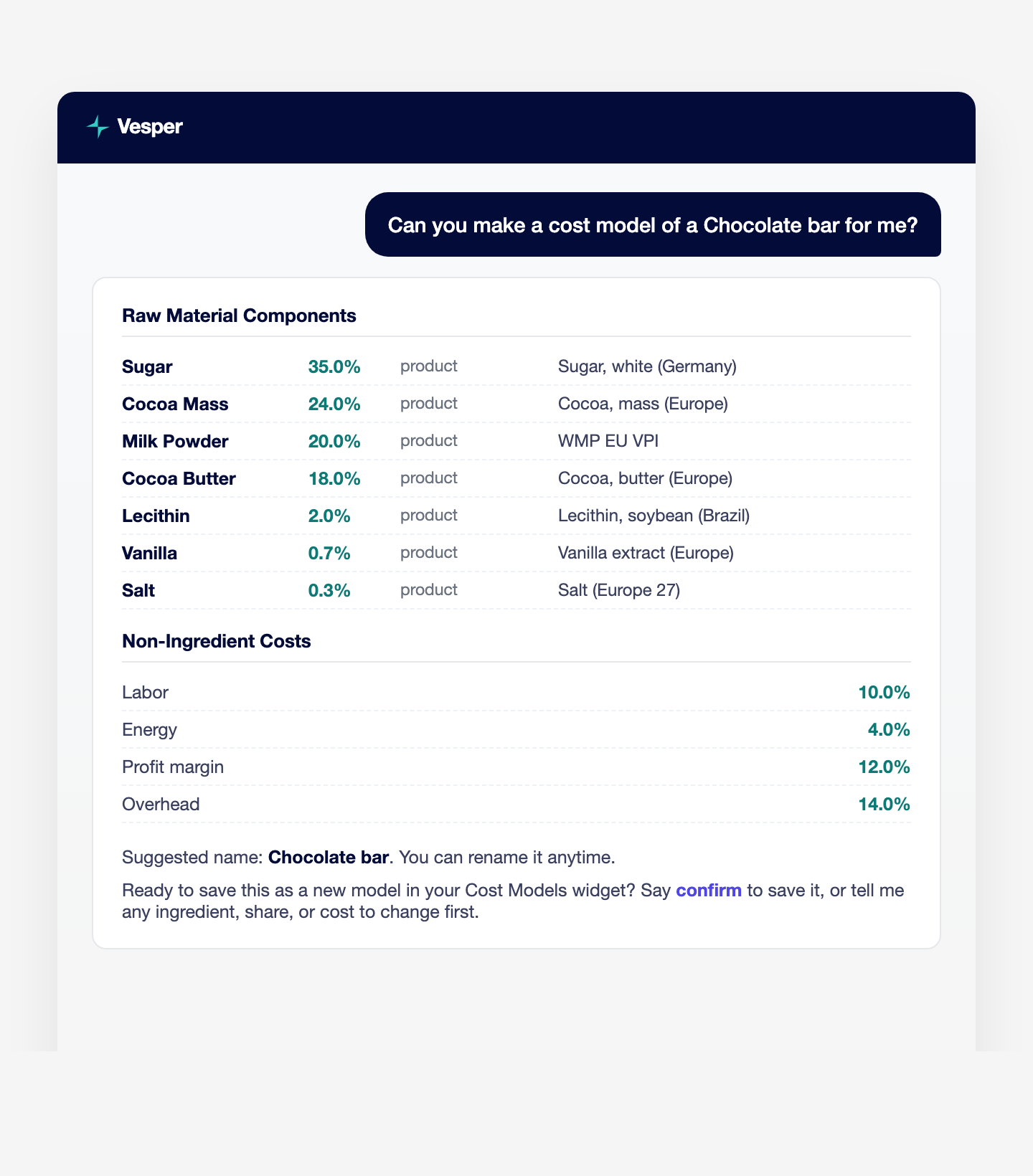
You can now build a Cost Model just by chatting with Vesper. The new Cost Model Builder reads what you give it and drafts the breakdown for you.
What’s new:
- Describe a product in chat, paste a recipe or bill of materials from a spreadsheet, or paste a product URL.
- The Cost Model Builder reads the ingredients, their proportions, units, and currency, then drafts the breakdown.
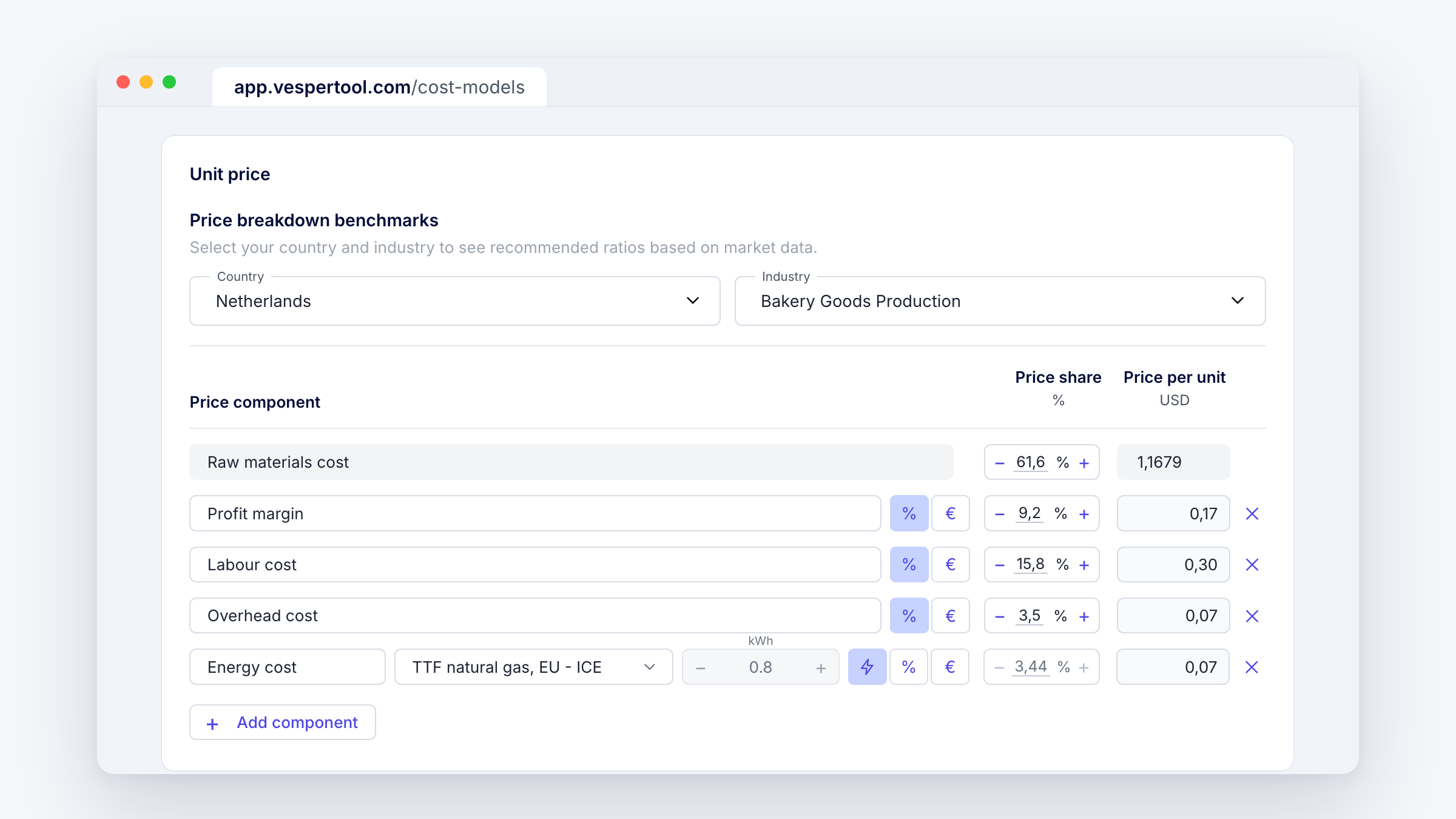
- Ingredients are matched to Vesper indices, and the non-ingredient costs are prefilled for your industry.
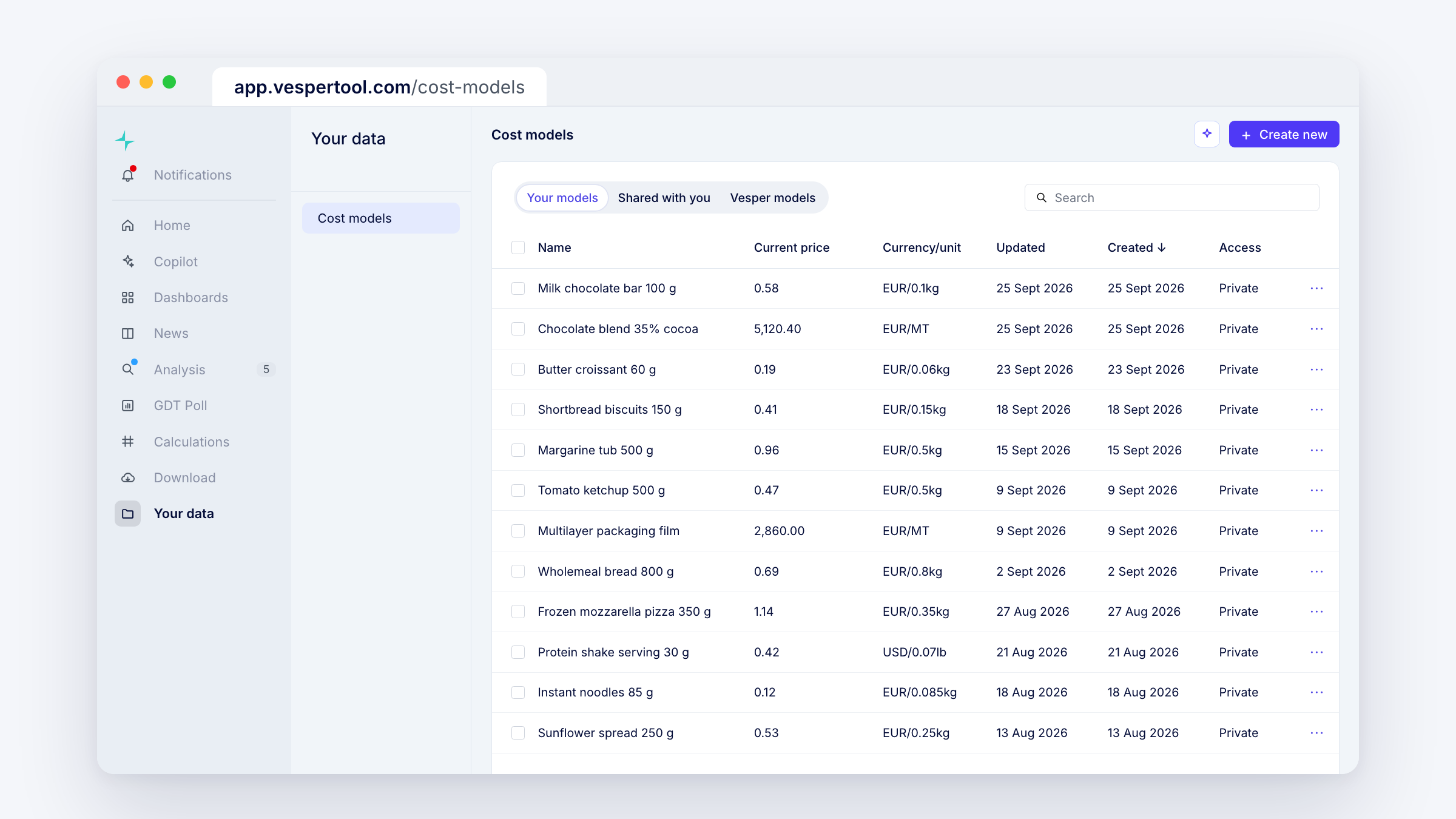
- Adjust it in the chat, then save it to your Cost Model widget.
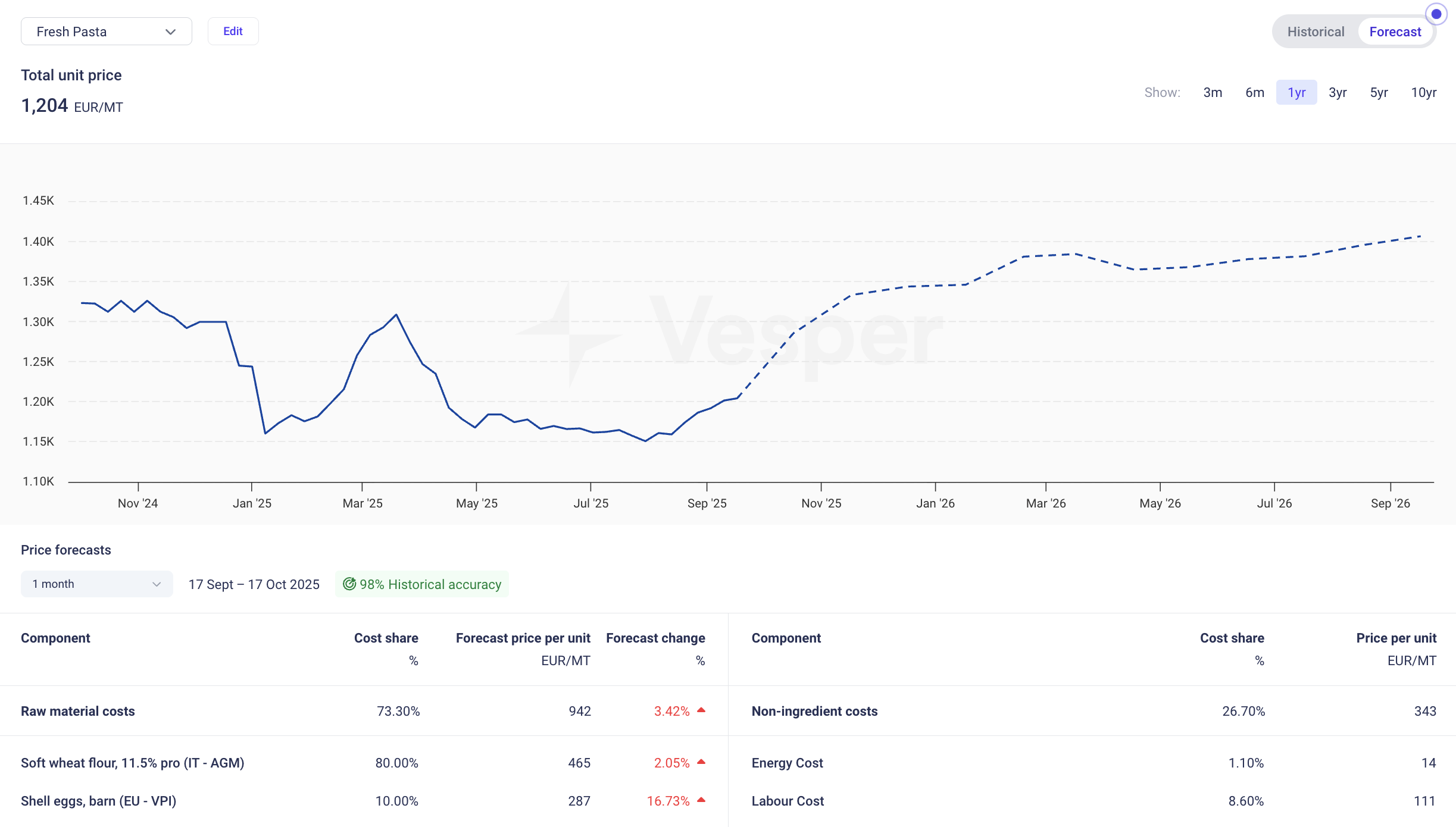
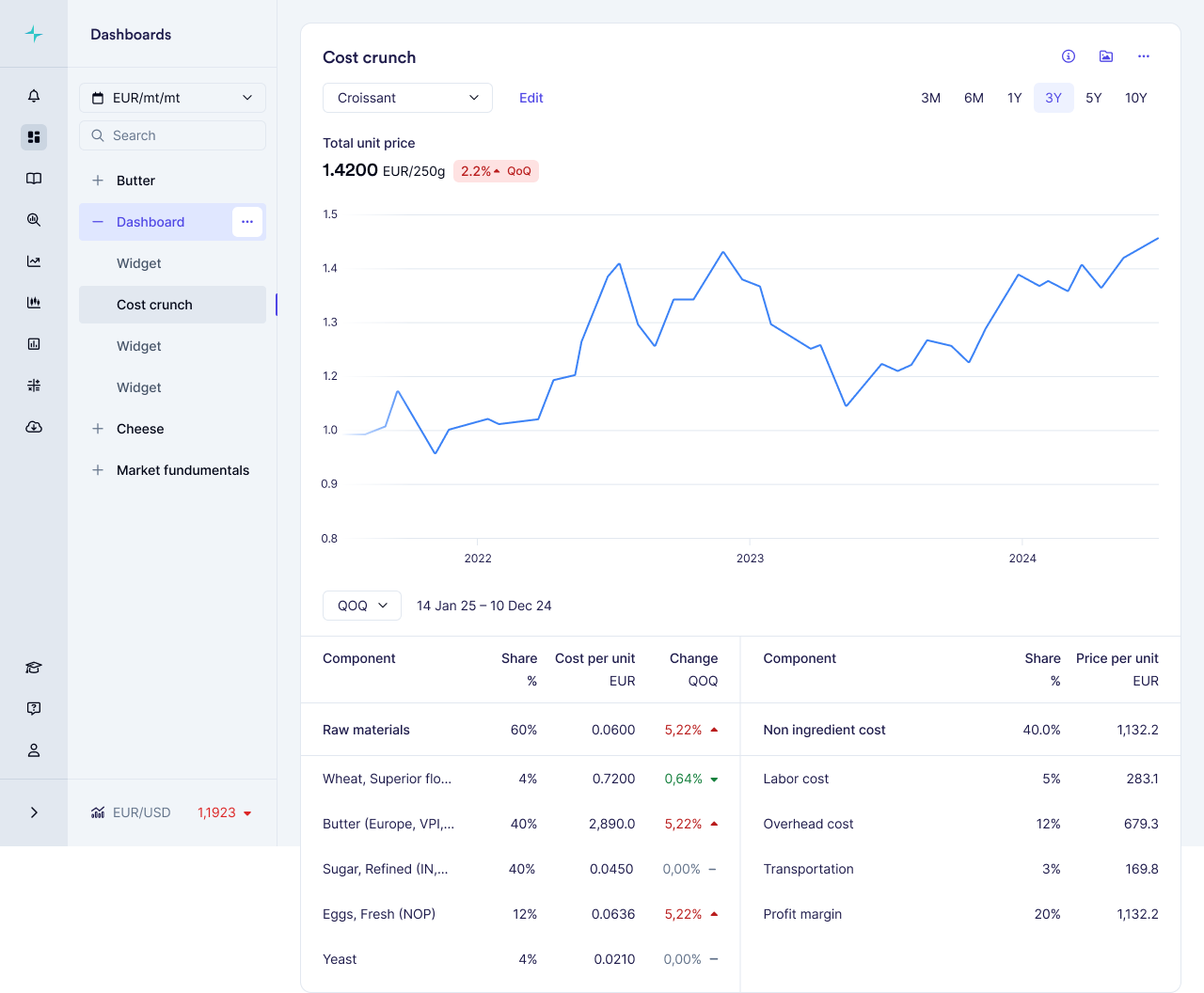
Why this matters: Cost models are the way to track prices and find fair value for compound products. Building one used to mean entering each ingredient by hand. Now you describe the product and get a first iteration, or just send your link to get your exact specifics. Whenever you save through the chat interface the should-cost model is saved and accessible through the cost model or pricing widgets.
How to access: The Cost Model Builder is free on all plans, through two entry points. Pro users reach it through Commodity Copilot. Core and Premium users reach it through the Help & Support chat bot. Contact your Customer Success Manager for questions or if you require any help.