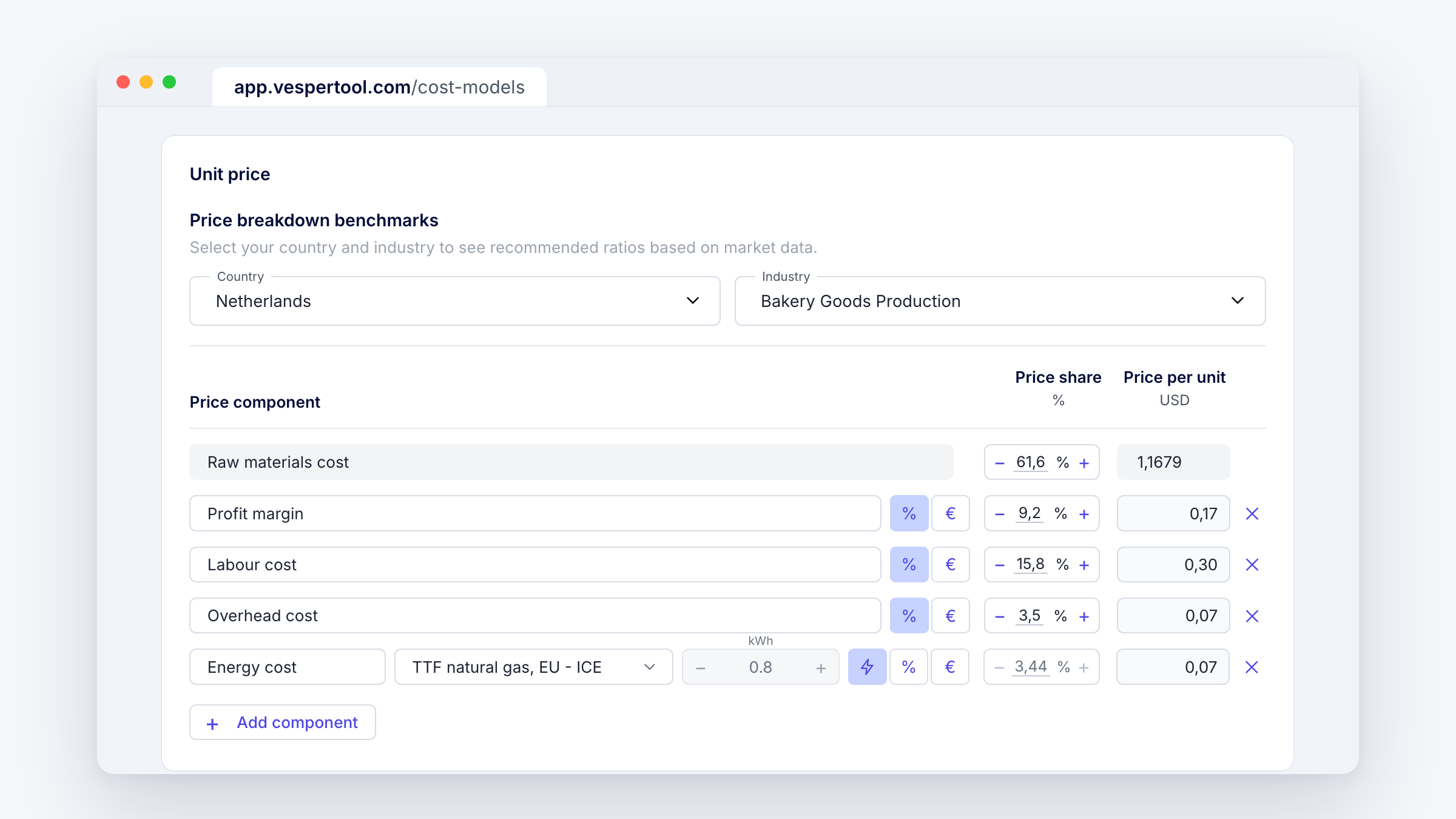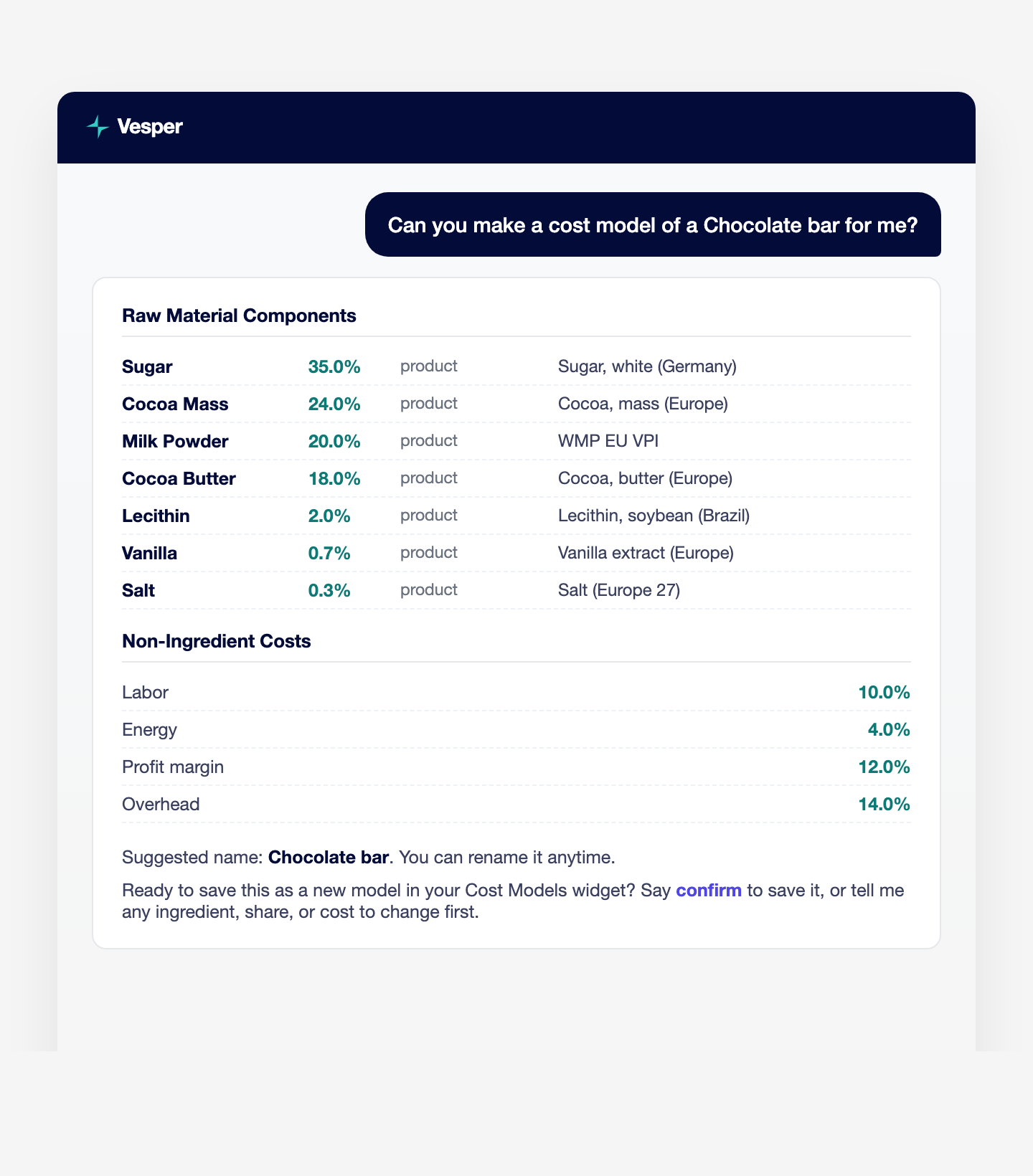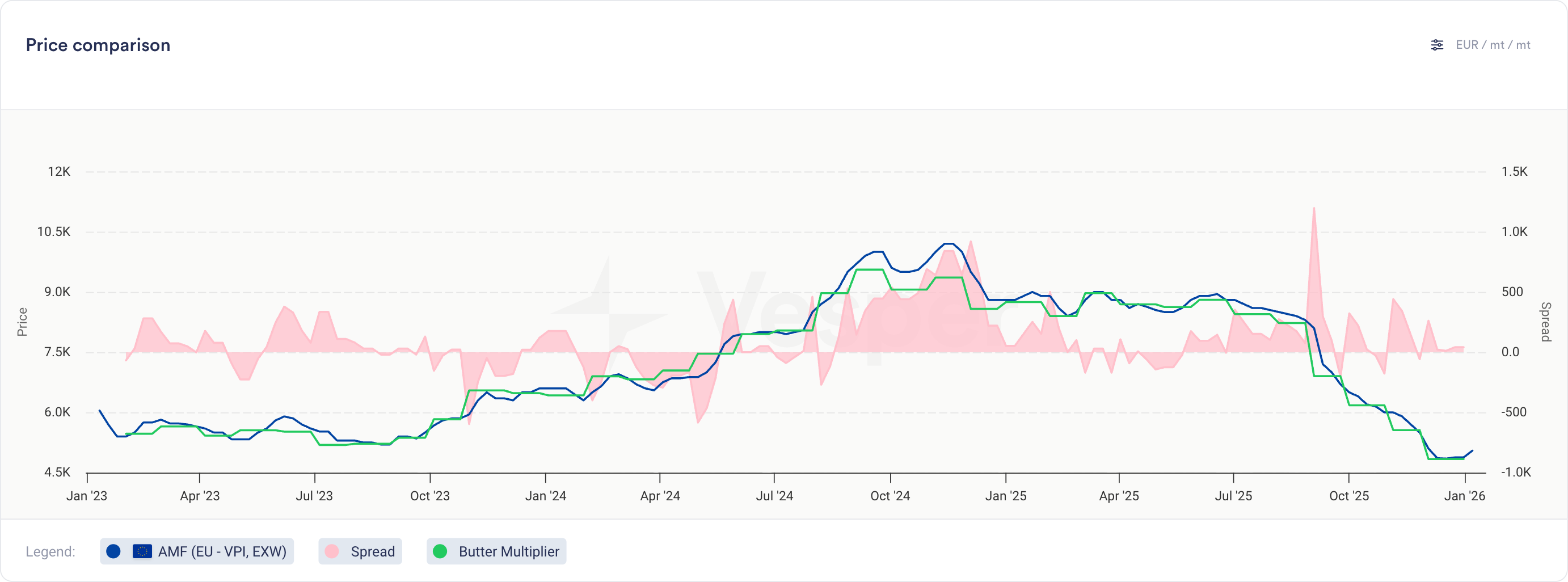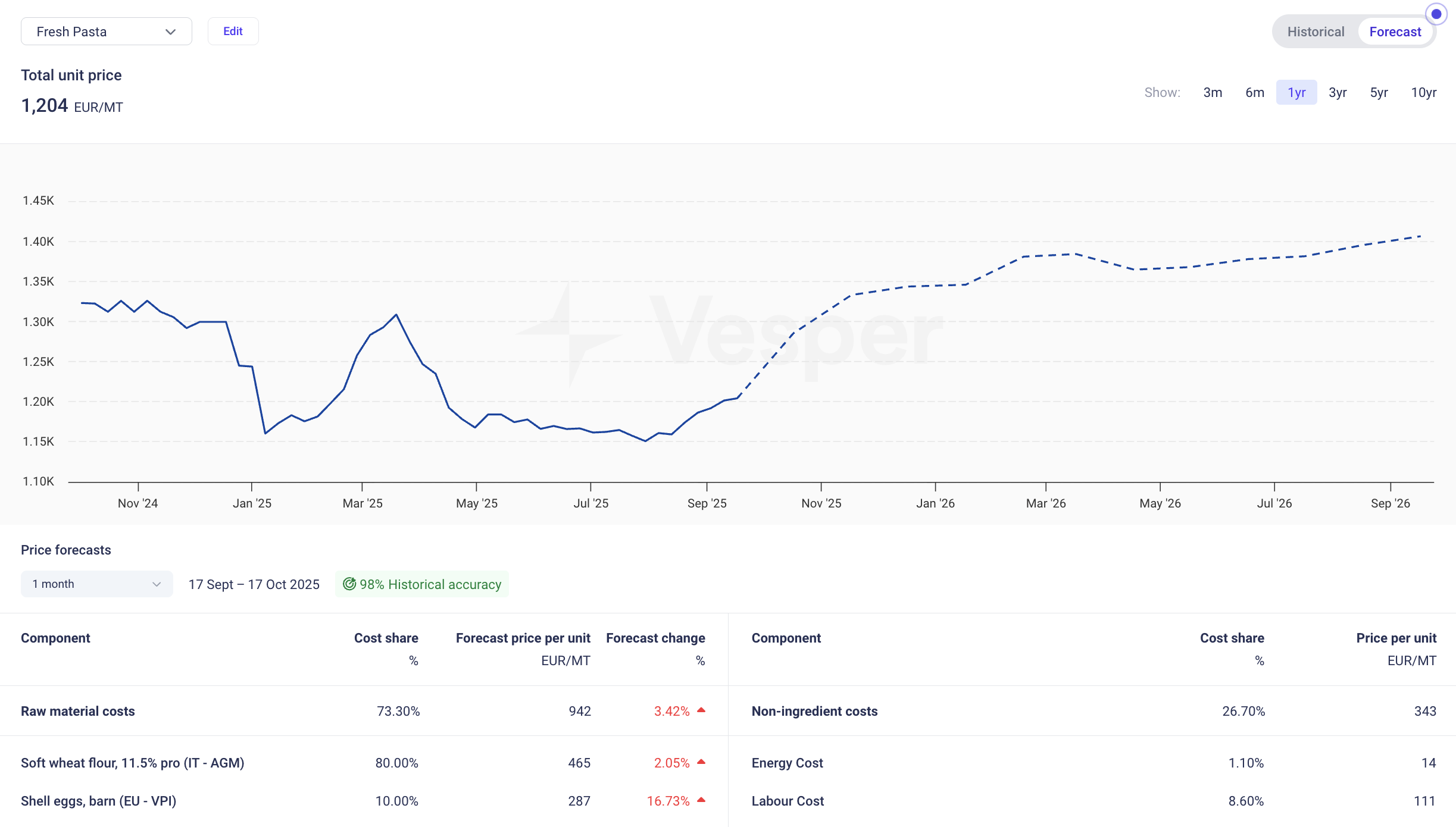

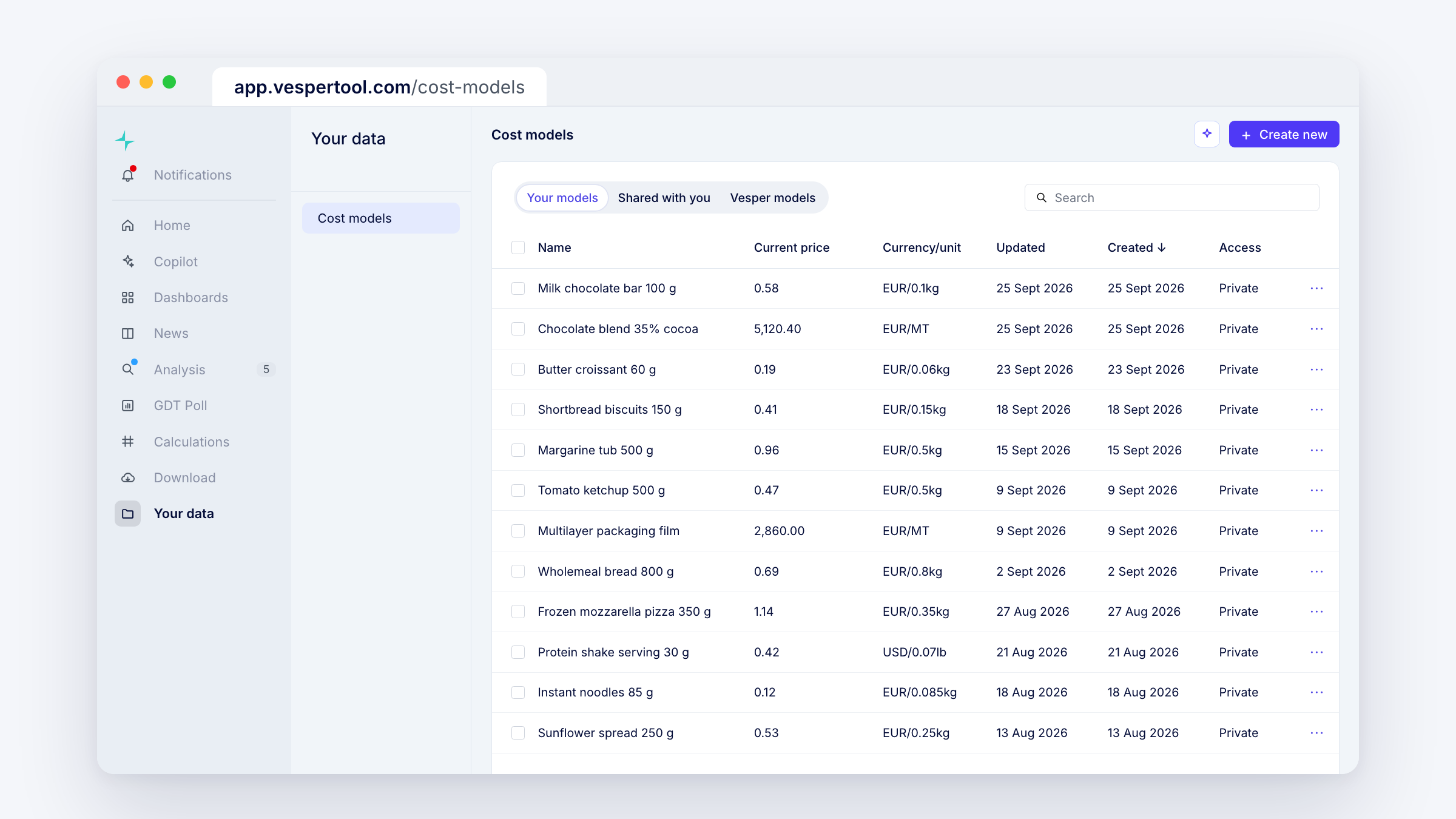
We keep building out cost models for buyers of compound ingredients and for retail teams, and this quarter brought a set of improvements. Cost models no longer live only inside your dashboard. They now have their own home, where you can create, edit, share and manage every cost model you build.
More changes follow next quarter. So far, Q3 has brought these:
What’s new
- Find all your cost models on one overview page. Create, edit and share them from there.
- Use one cost model inside others. Build a shared part once, like a box or a chocolate filling, and add it to every cost model that uses it. When its prices change, every cost model that uses it updates too.
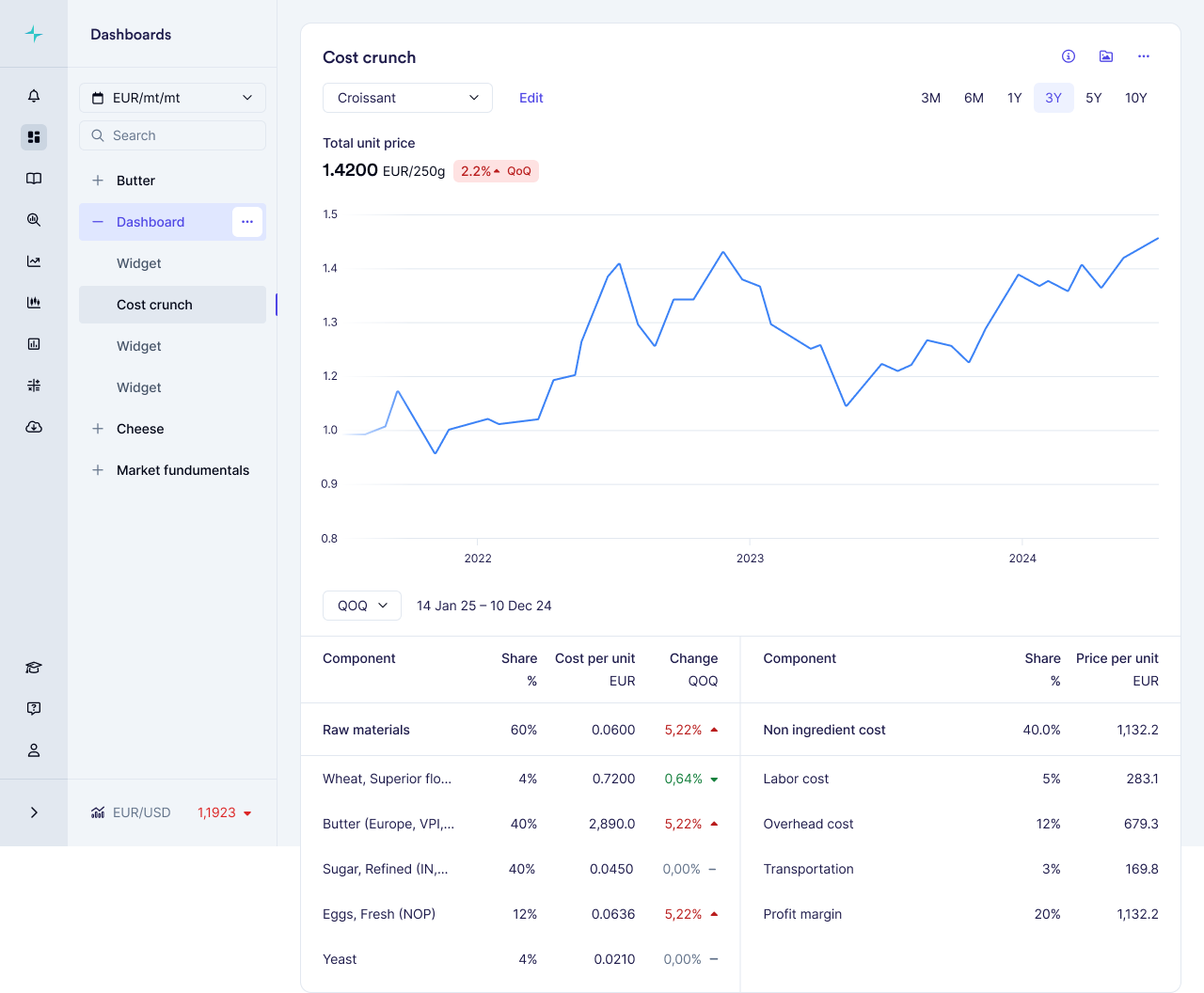
- Pick any past period in the cost model widget and see how each cost moved.
- Edit a cost model straight from the Prices widget.
- Download a cost model as an image (PNG, JPEG or SVG) for a slide or an email.
- Search for a cost model in the widget instead of scrolling a long list.
Why this matters
Negotiating a compound ingredient on facts is hard. The supplier quotes one price for a blend, a filling or a finished product, and you cannot see what sits inside it. A cost model rebuilds that price from ingredient costs and manufacturing costs, so you get a should-cost for the end product on top of the ingredient prices. When a supplier asks for an increase, or finance asks why a product costs what it does, you can show where the money goes.
How to access
Live for all Vesper users. Open the overview at app.vespertool.com/cost-models, or go to Your data in the left menu and select Cost models. Your cost models also show in the cost model widget and in any Prices widget on your dashboard. Questions? Email support@vespertool.com.