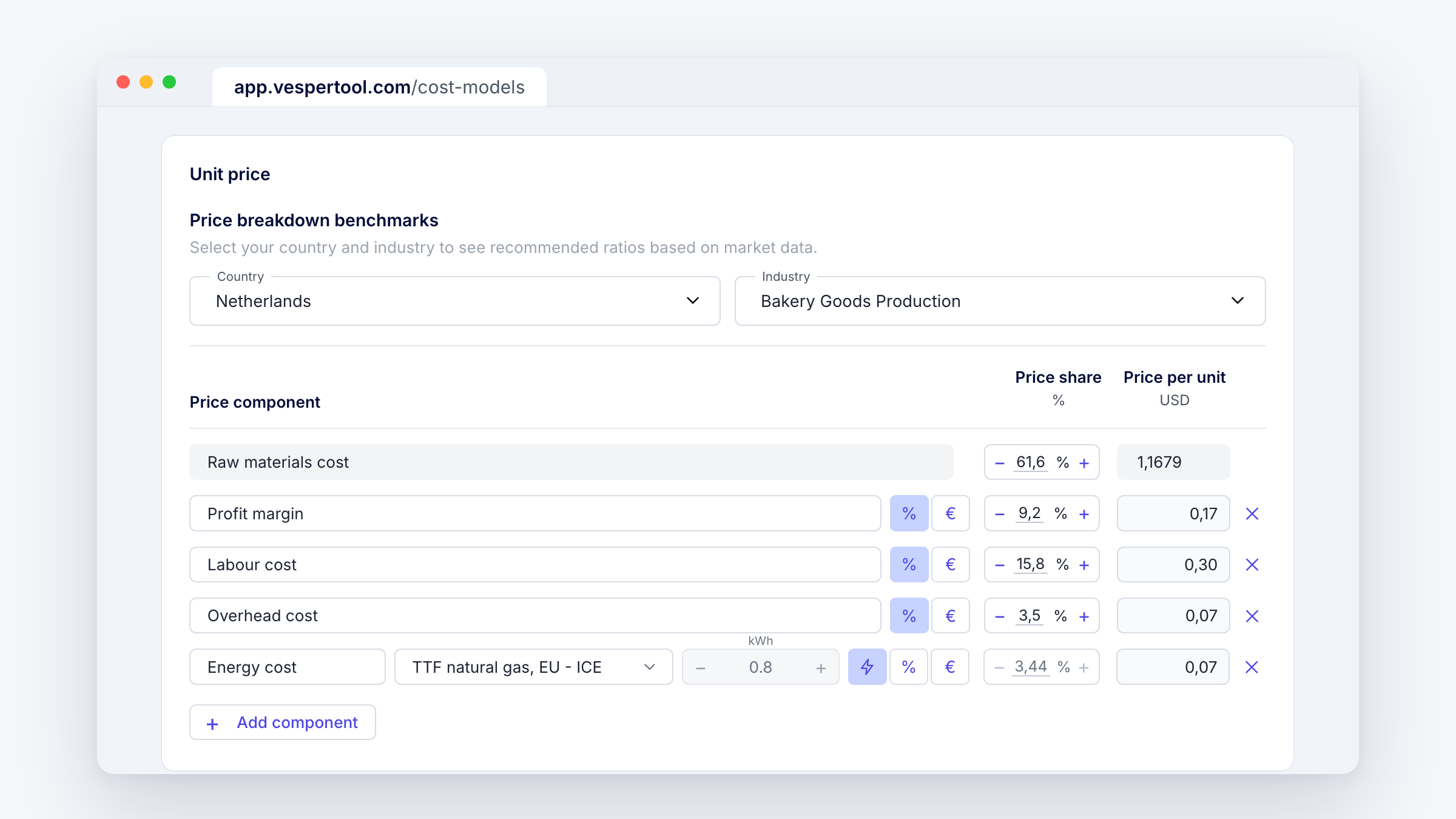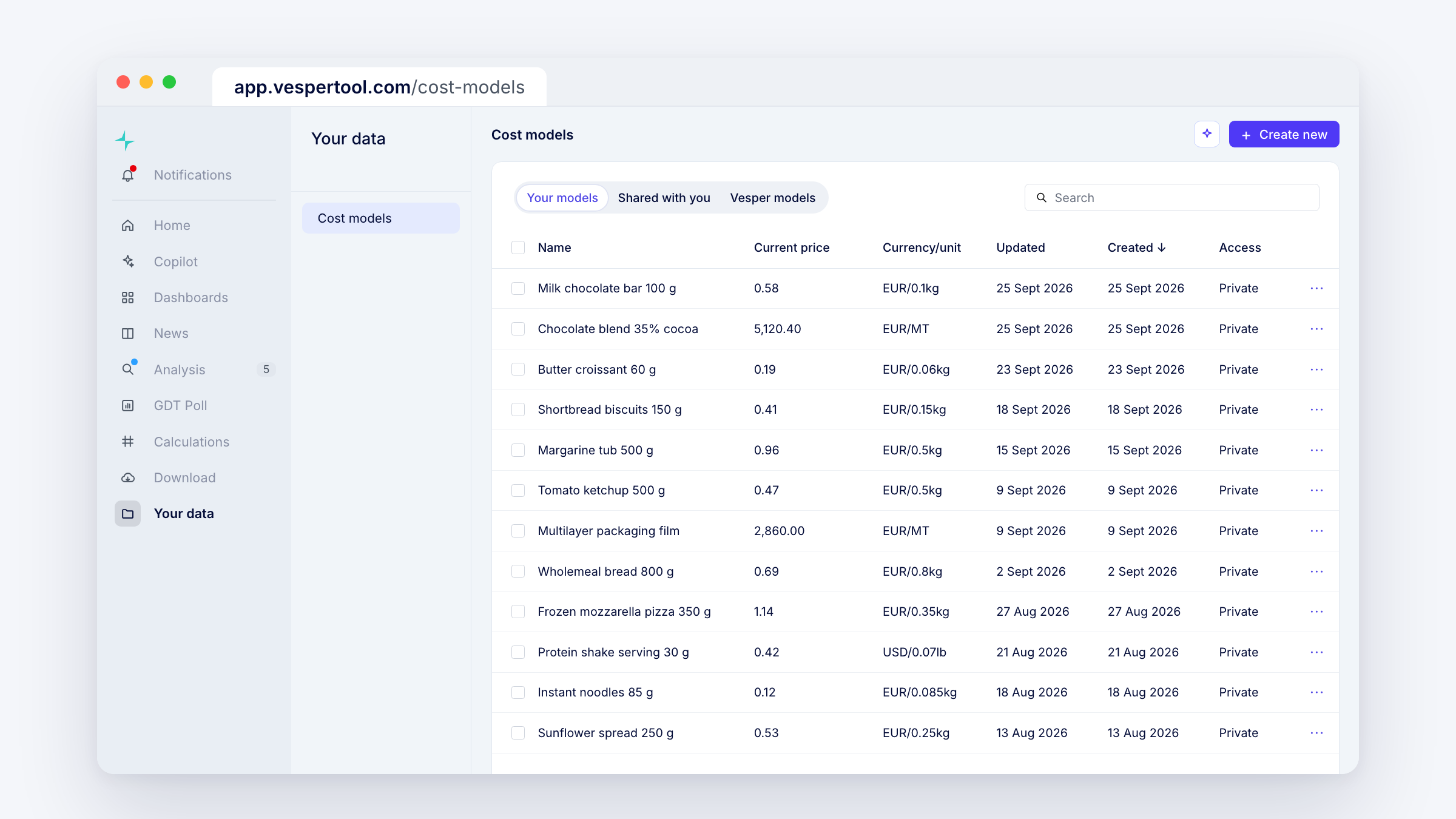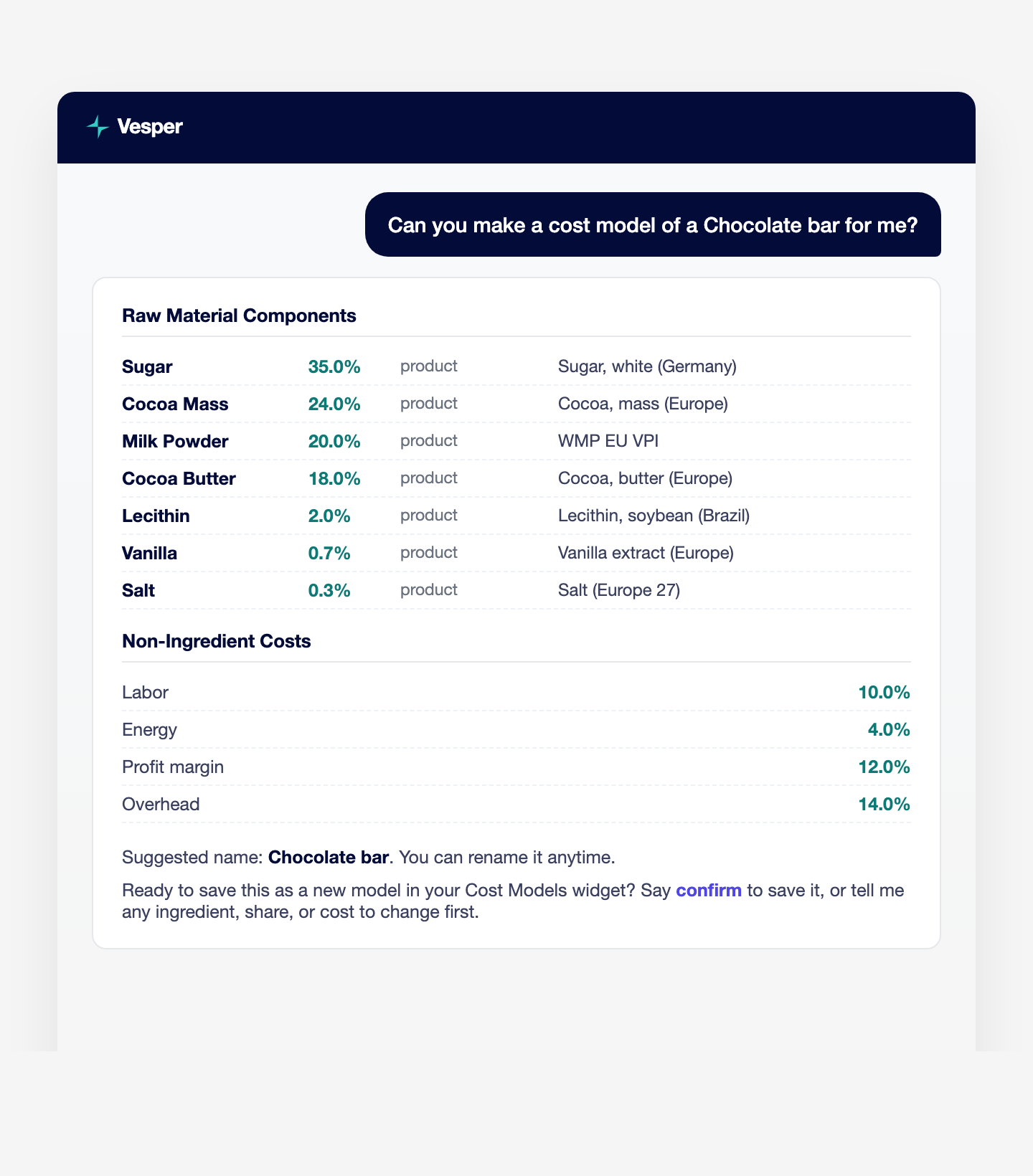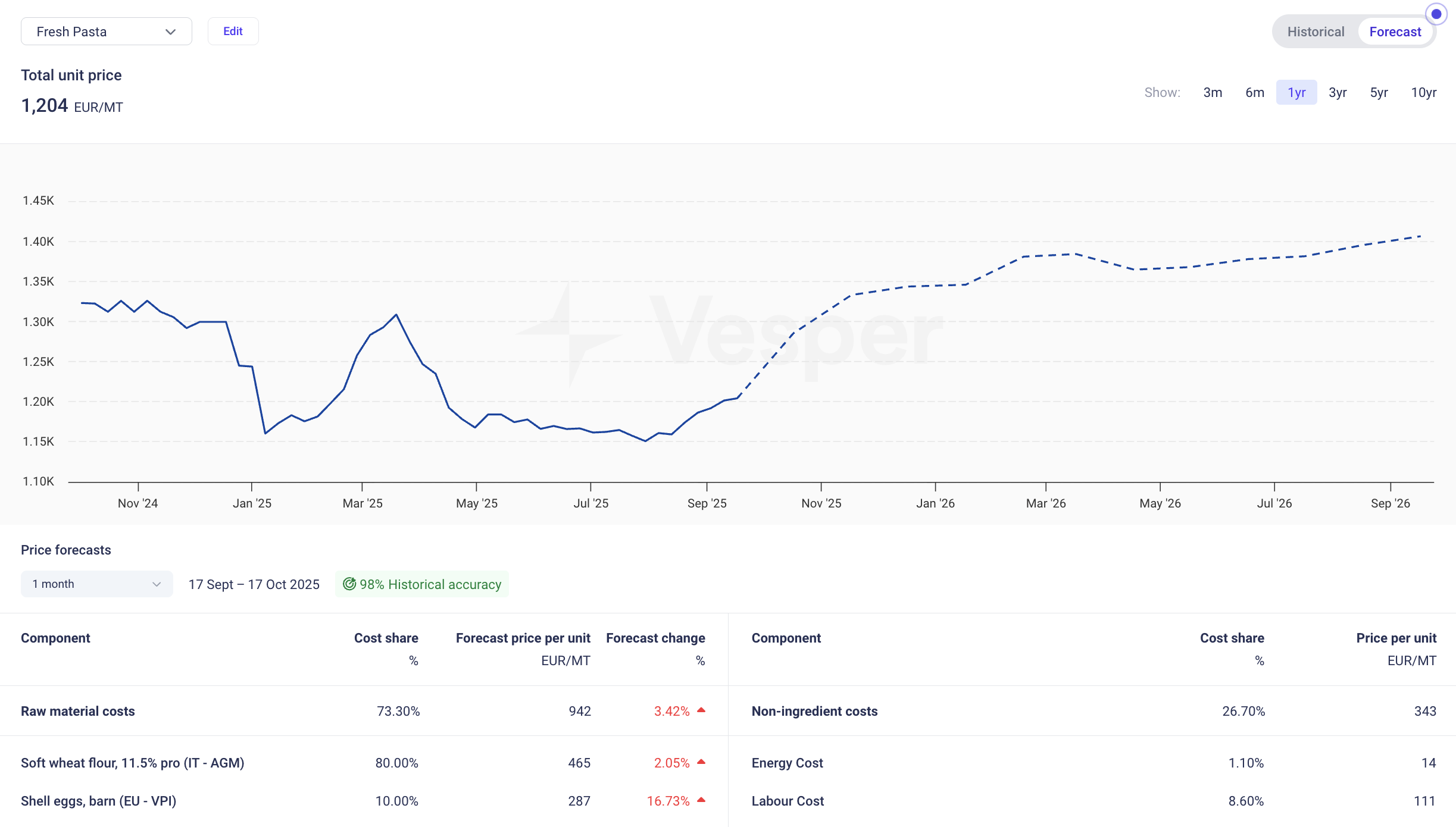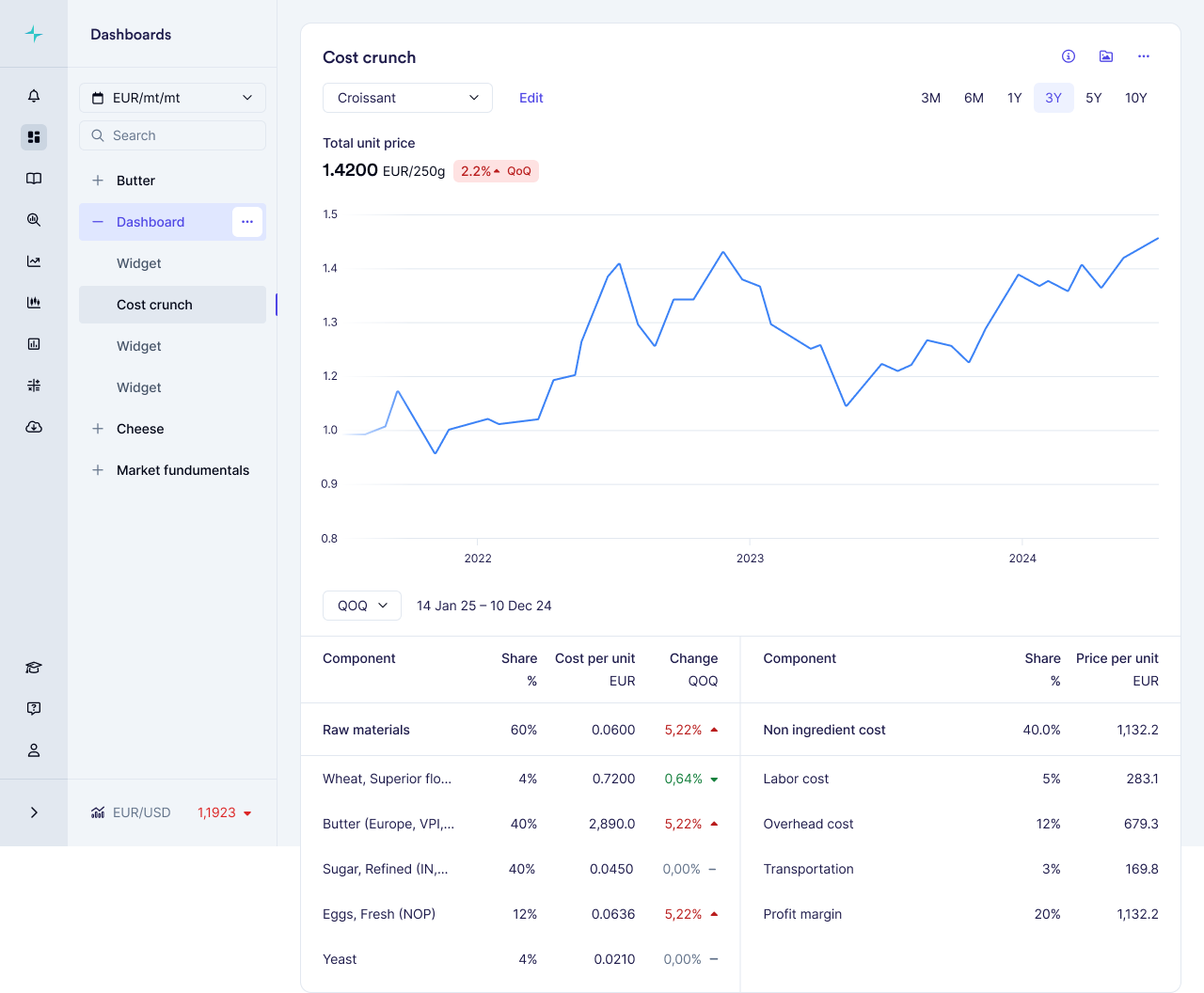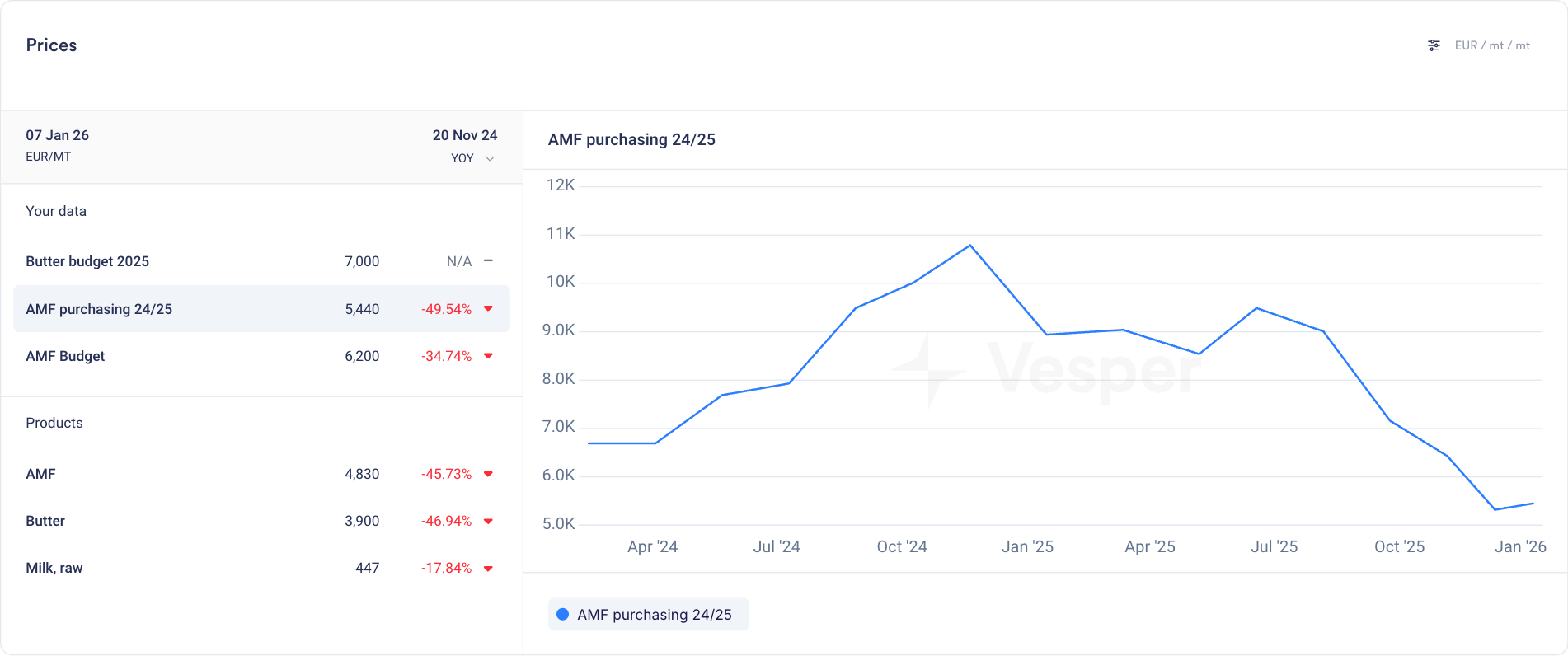

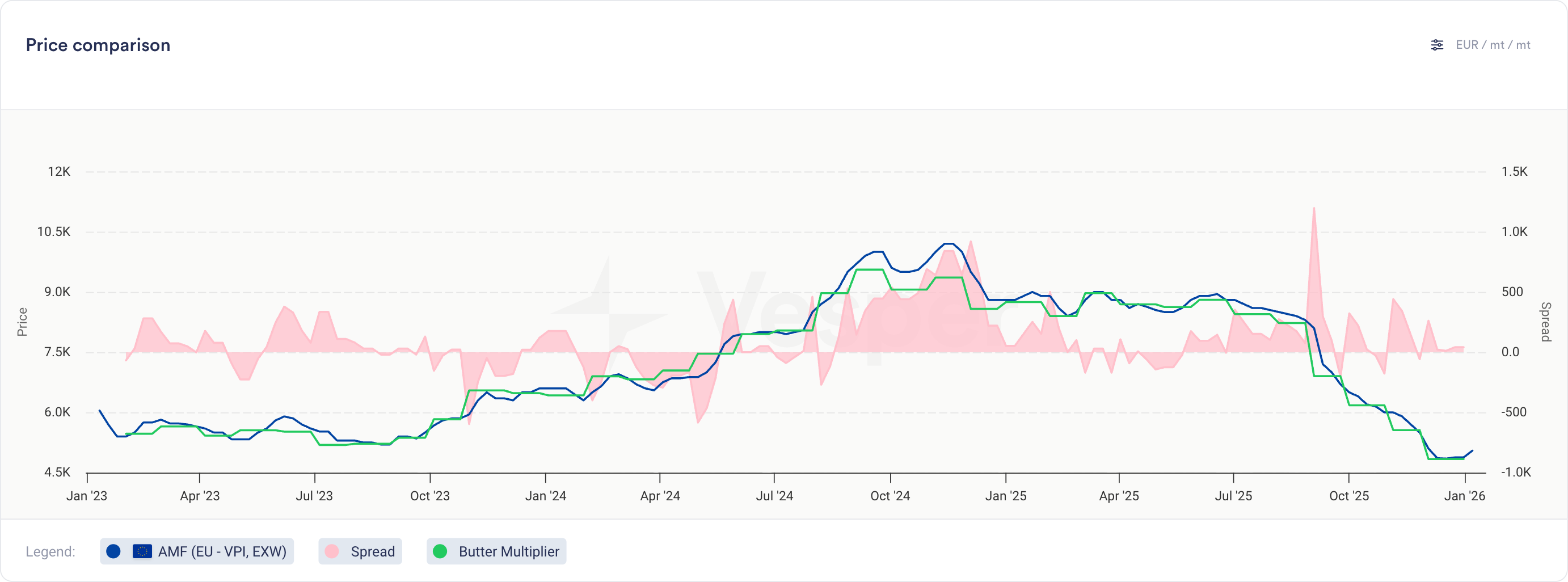
You can now compare your cost models directly against actual prices and other cost models in the Price Comparison widget.
What’s new
-
Cost models now appear as selectable series in the Price Comparison widget
-
Select cost models from the product dropdown, labeled with their cost model name
-
View cost model historical data alongside multiple other cost models, price series, or any combination of both
-
Same visualization and interaction as product prices (line charts, tooltips, trends)
-
Note: Notes cannot be added to cost models
Why this matters
For finished goods, this bridges cost modeling and price analysis:
-
Compare different recipe options to find the most cost-effective formulation
-
Validate actual paid prices against theoretical cost models to spot inefficiencies
-
Track variance trends over time to identify negotiation opportunities
For commodity and ingredient buyers, this opens up new ways to analyze contract structures:
-
Build indices for weighted baskets and compare against other indices or your own prices
-
Model multiplier or fixed cost-plus structures on top of any benchmark