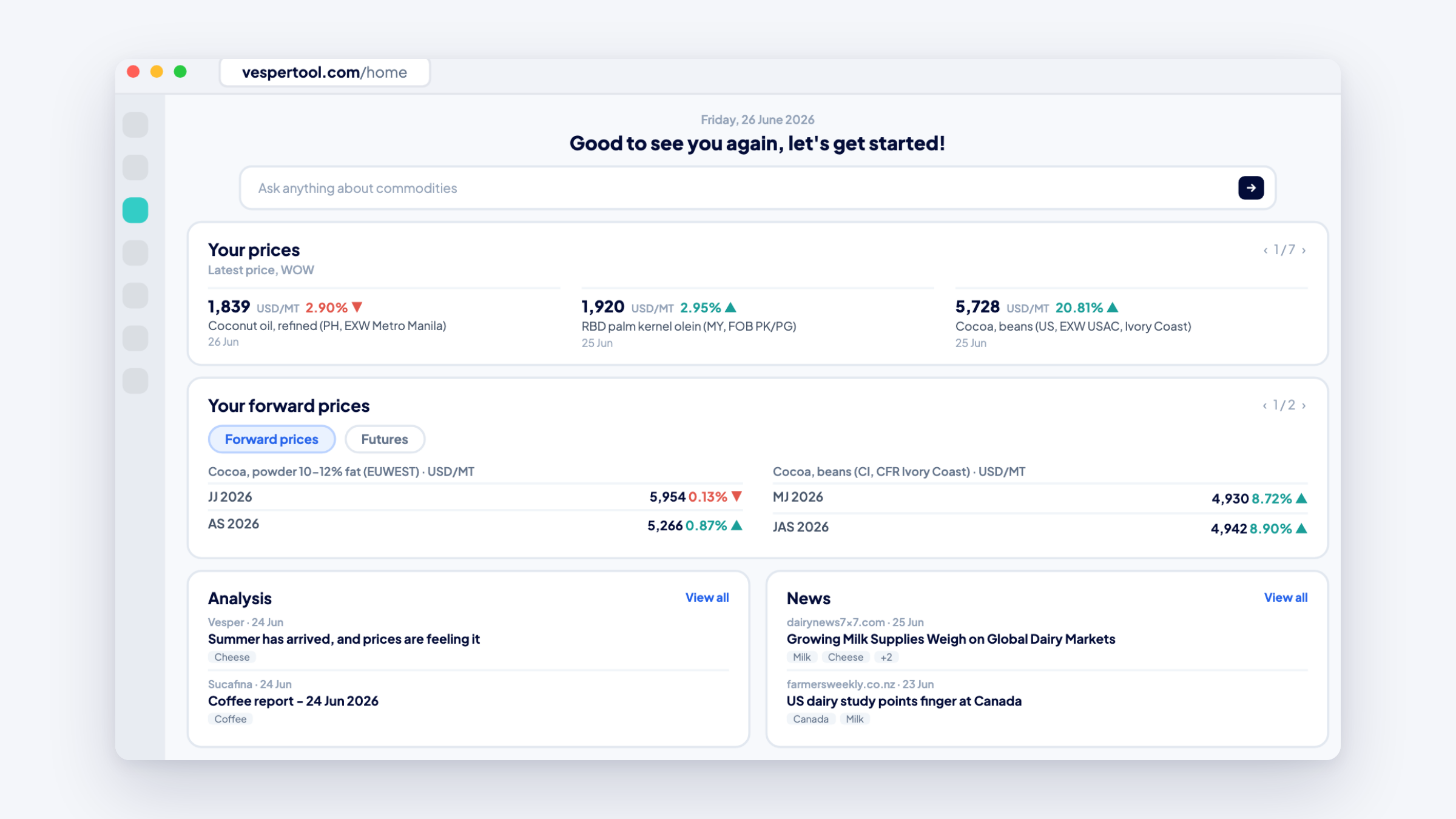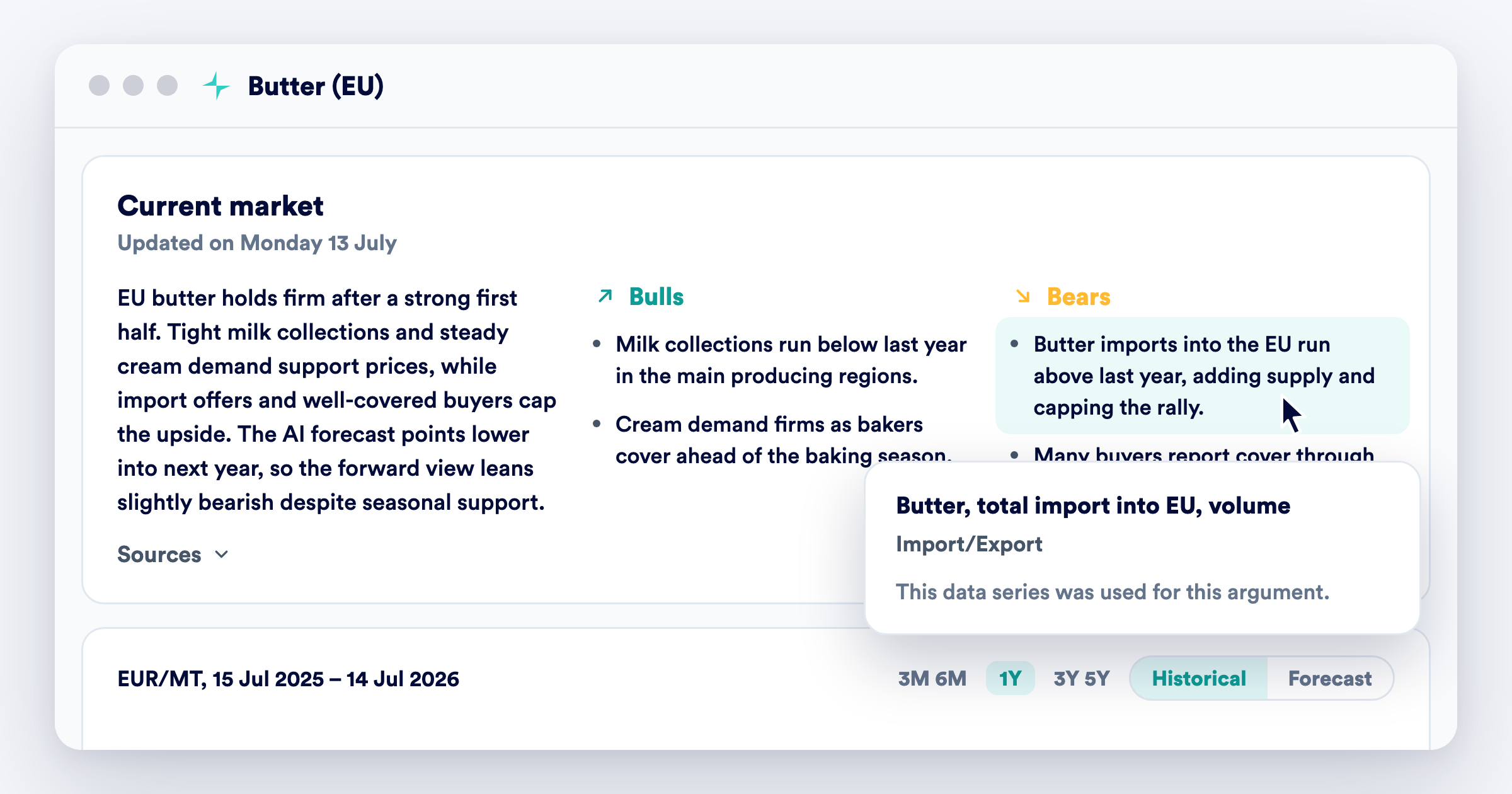

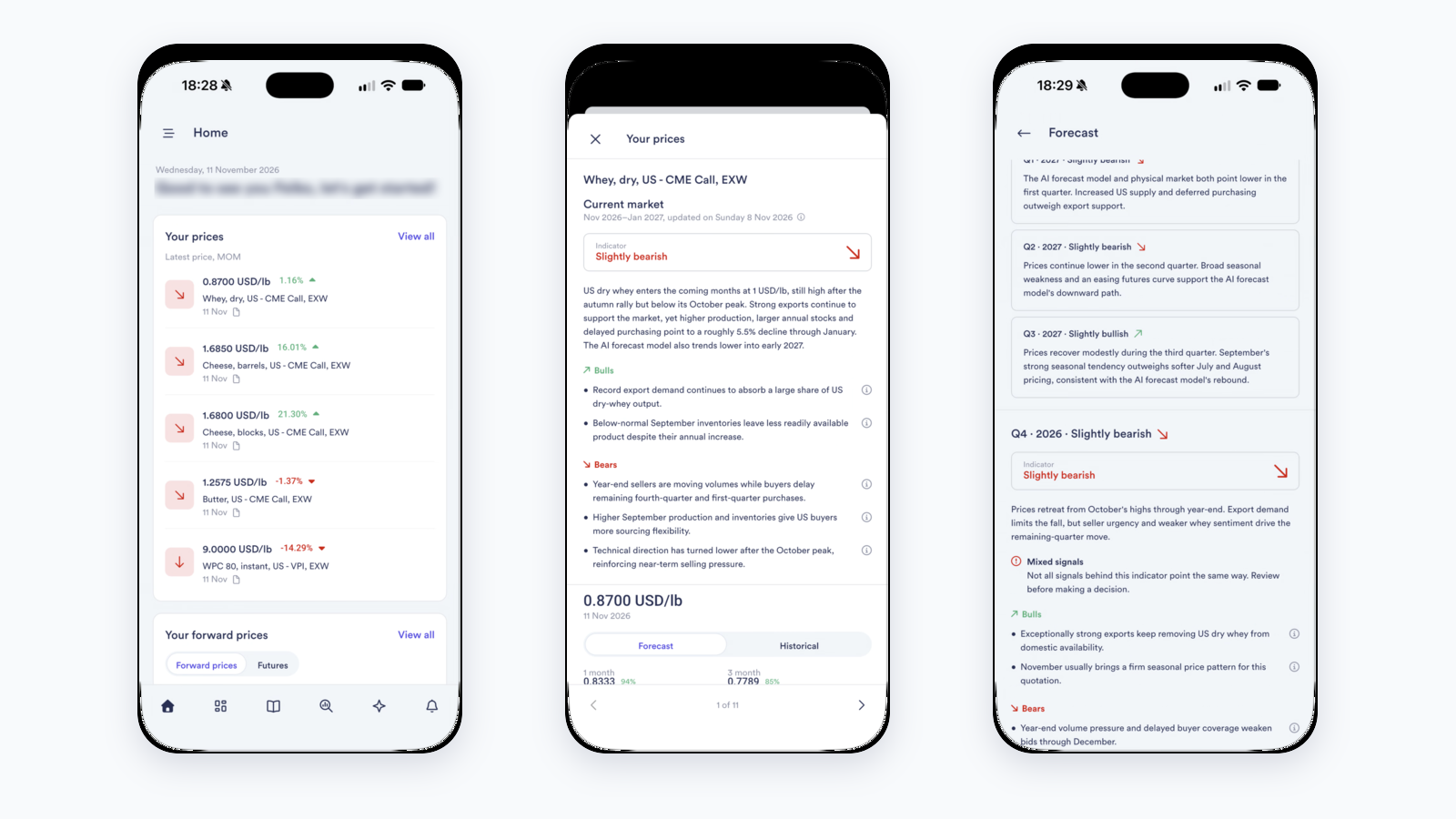
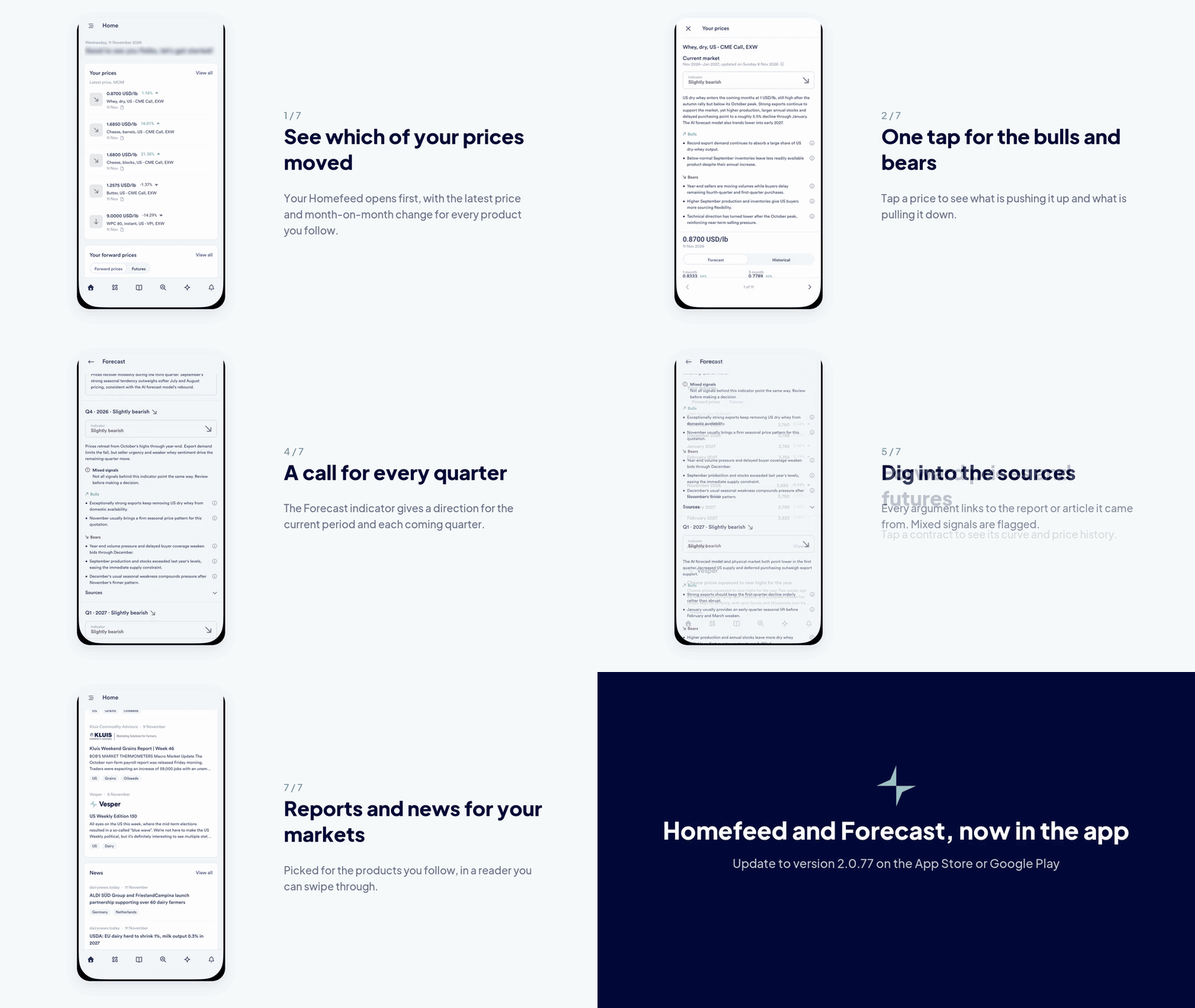
The Vesper mobile app now opens on your Homefeed, so you know where to look the moment you open it. One tap on a price shows the bulls and bears behind it and where the Forecast says it is heading. Every argument links to its source, so you can still dig into the reports and news underneath.
What’s new
- Your prices: the latest price and month-on-month change for the products you follow, so you see at once which ones moved. A dot marks a price that updated today.
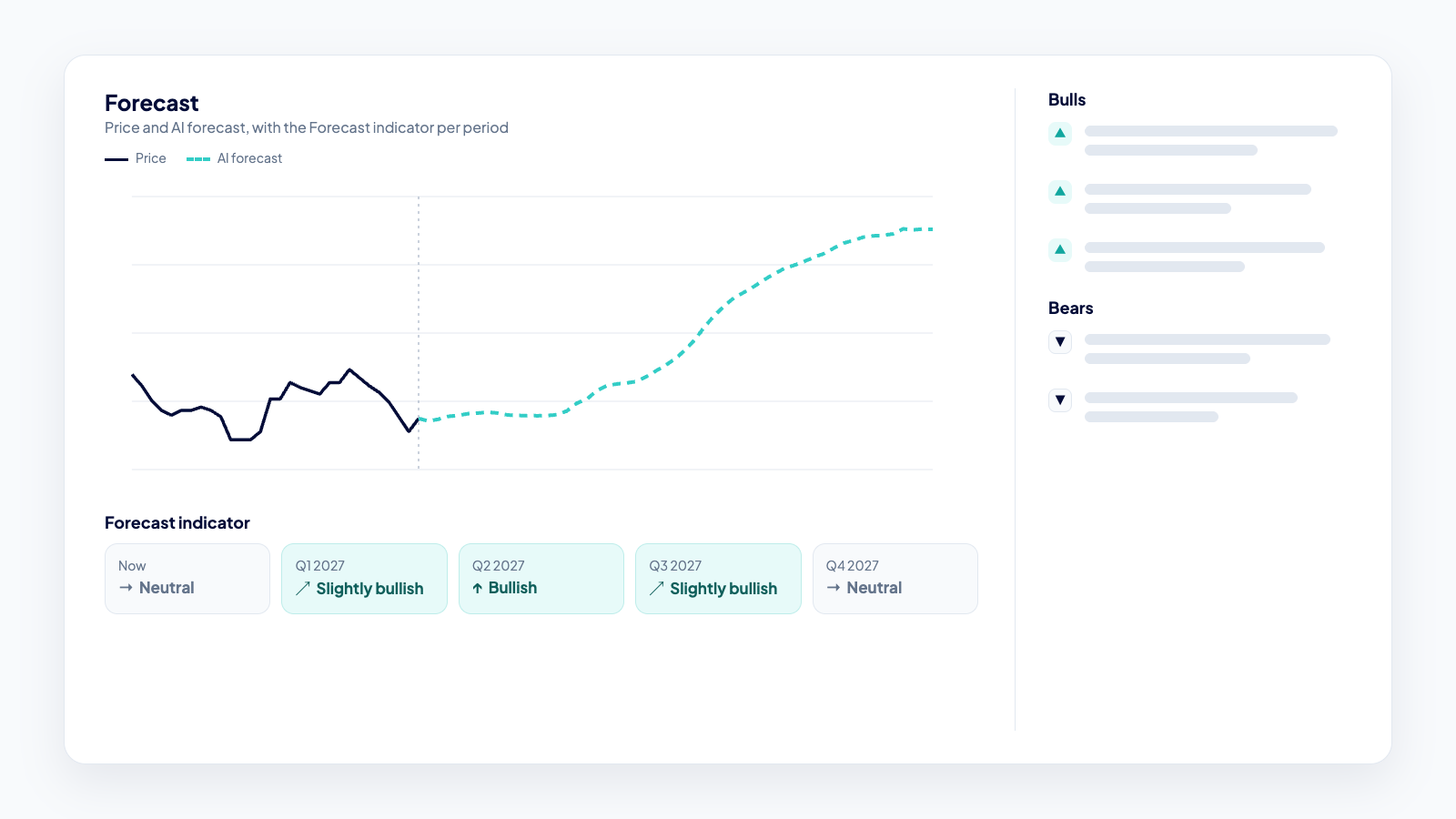
- The Forecast in one tap: tap a price to see the Forecast indicator for the current period and each coming quarter, with the bull and bear arguments behind it. When the signals do not all point the same way, the app tells you. How the Forecast works.
- The sources underneath: every argument links to the report or article it came from. Open it to read the full story.
- Forward prices and futures: tap a contract to see its curve and price history.
- Analysis and news: market reports and articles picked for your products, in a reader you can swipe through.
Why this matters
Market moves don’t wait until you are back at your desk. With the Homefeed on your phone, you can check a price and the reasons behind it before a supplier call, on the way to a meeting, or when an alert comes in.
How to access
Update the Vesper app to version 2.0.77 or later from the App Store or Google Play, and sign in. The Homefeed is live for all users. The Forecast is part of the Premium and Pro plans, as on the web. Questions? Email support@vespertool.com.