Most buyers keep their own prices in many spreadsheets. Until now, getting them into Vesper meant uploading one file per price, with no way to see whether that price was already there. Now a whole folder of exports goes in at once.
What’s new
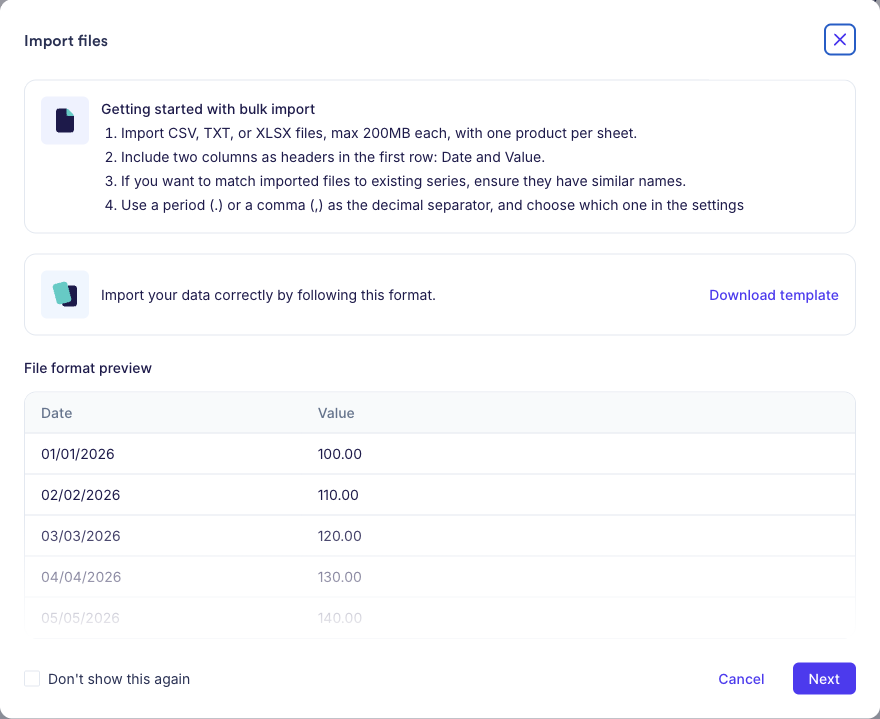
- Drop several CSV, TXT or XLSX files into Your data at once, and set the format, currency, unit and access once for all of them. Vesper detects the date format and CSV separator for you.
- Each file is matched to the prices you already have. When enough dates and values line up, Vesper suggests adding to that price instead of creating a duplicate. You choose: add, replace or create a new one.
- Check each file on a chart next to your existing data, with problem rows marked, and fix or remove them before you import.
- Import what’s ready straight away. Anything that still needs a look is saved, and a card on the Your data page brings you back to it.
Why this matters
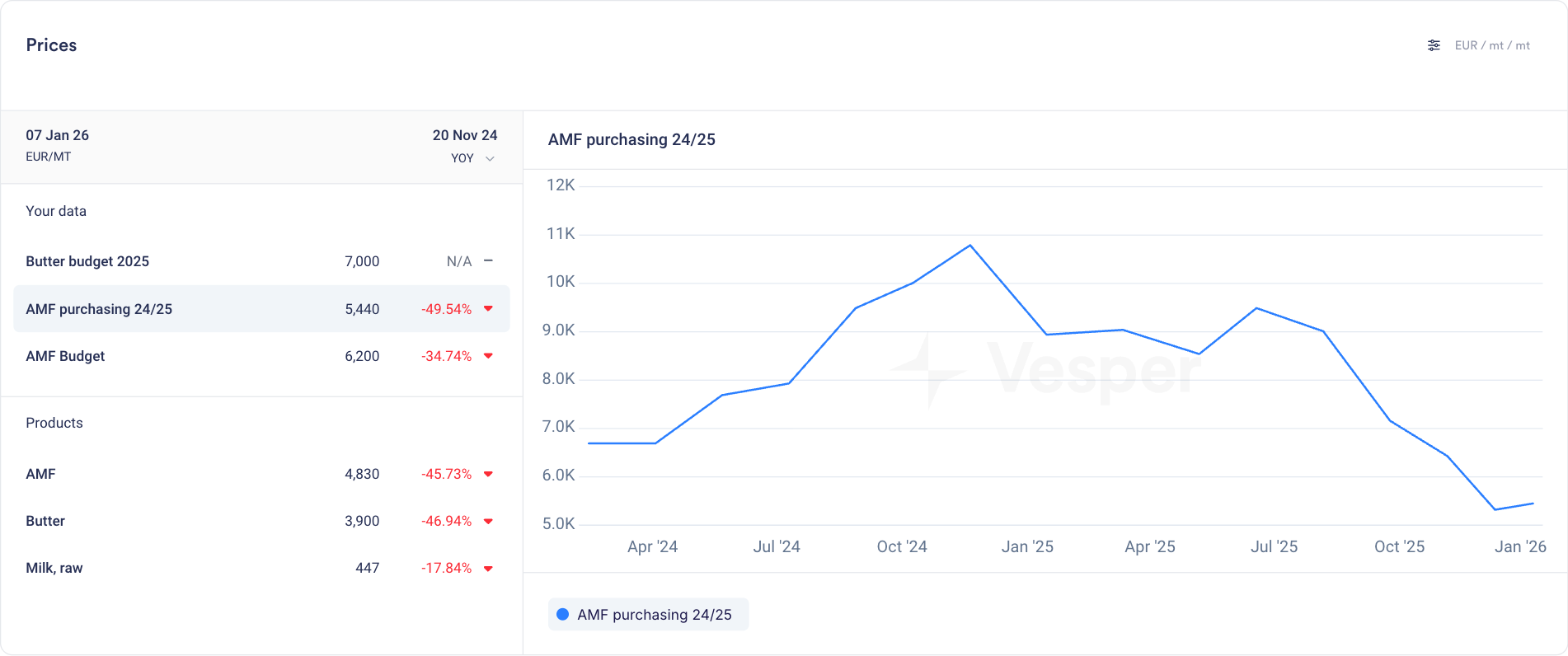
Your own prices are most useful in the Prices widget next to market prices, or as an input to a cost model. Now they get there without the duplicates, and you only spend time on the files that need it.
How to access
Live for Pro users. Go to Your data and click Import. Each file needs a Date and a Value column in the first row, and the dialog has a template to download. Questions? Email support@vespertool.com.